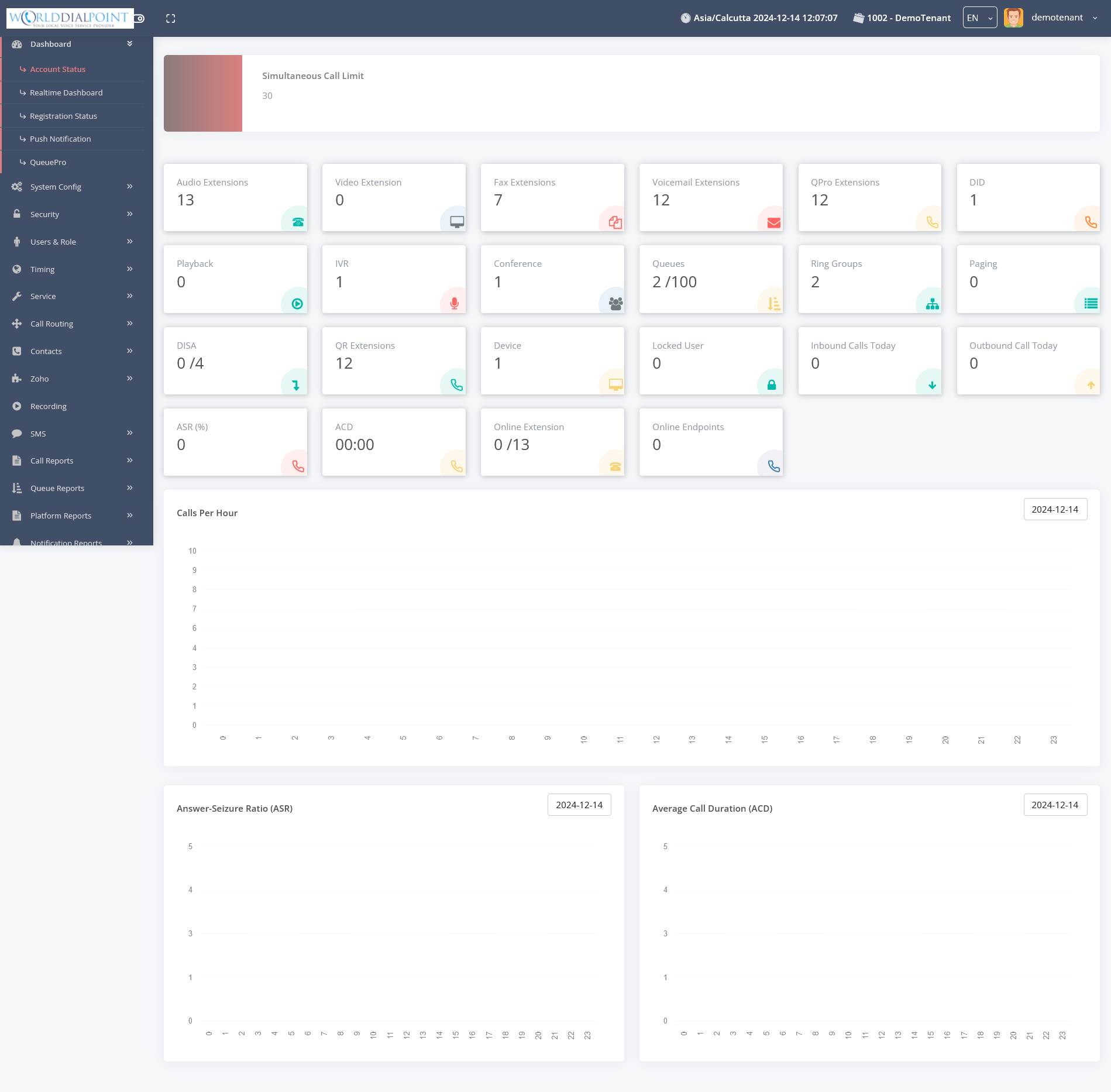
Account Status
Overview of PBX usage and system health.
|
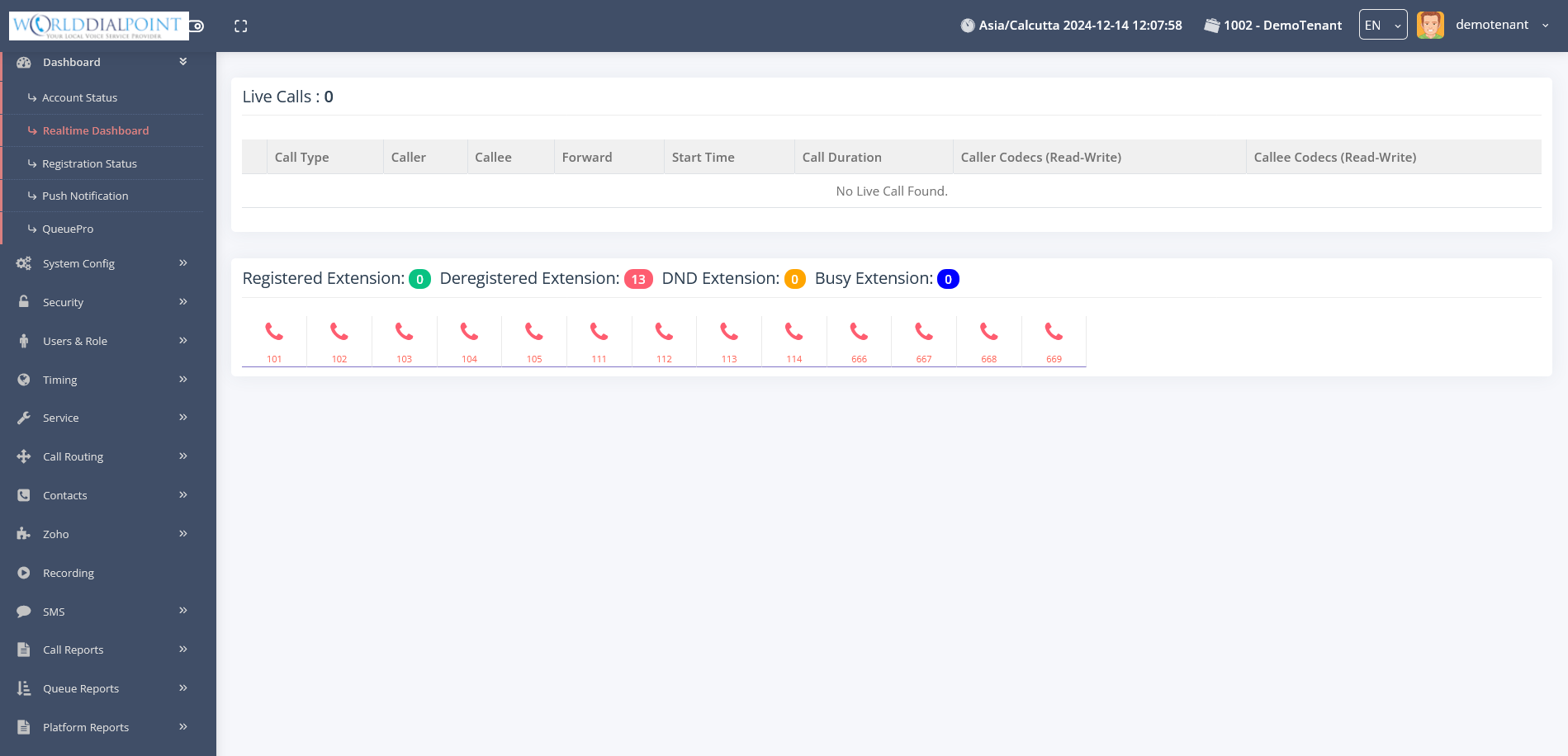
Realtime Dash
Live call activity and queue performance.
|
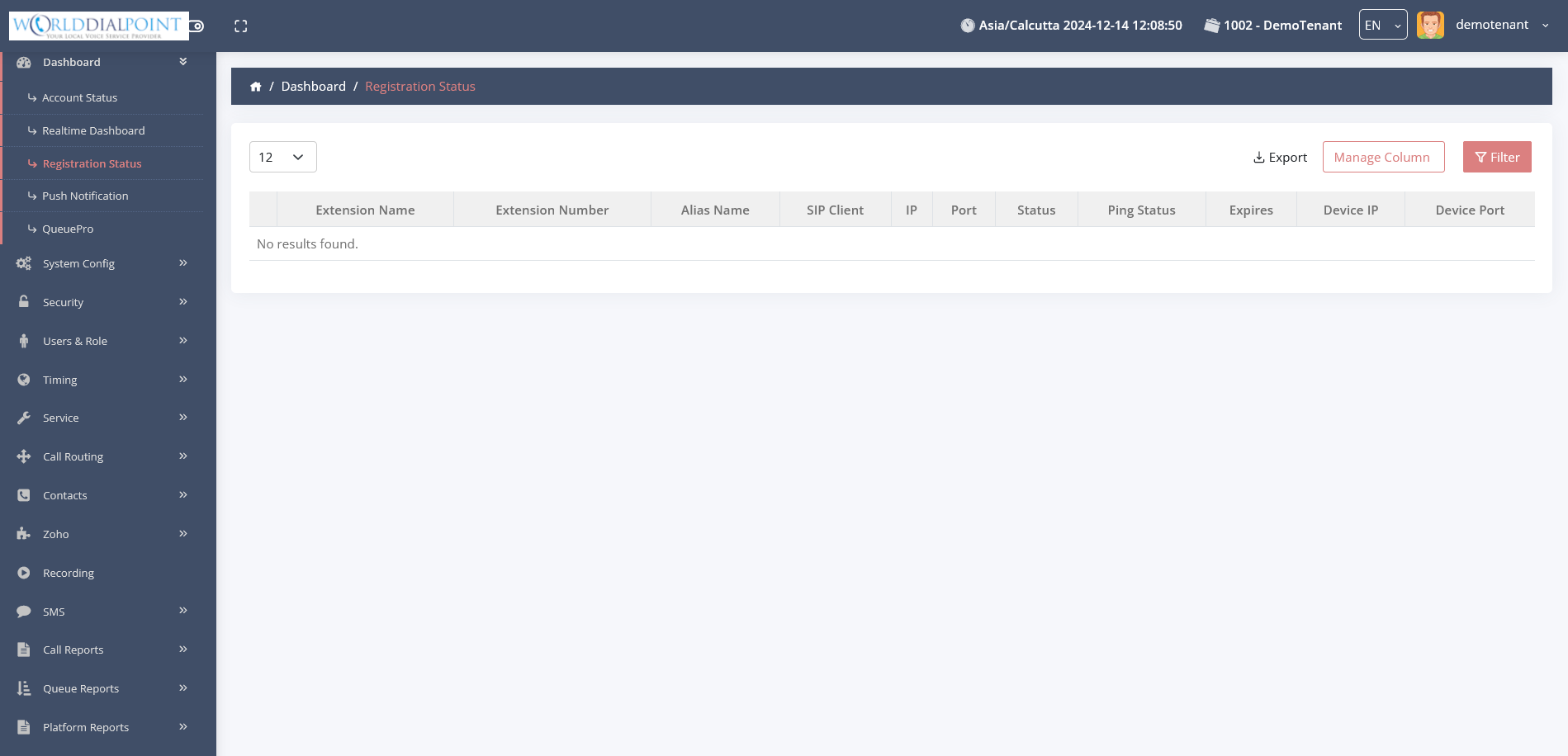
Registration Status
Live status of all extensions.
|
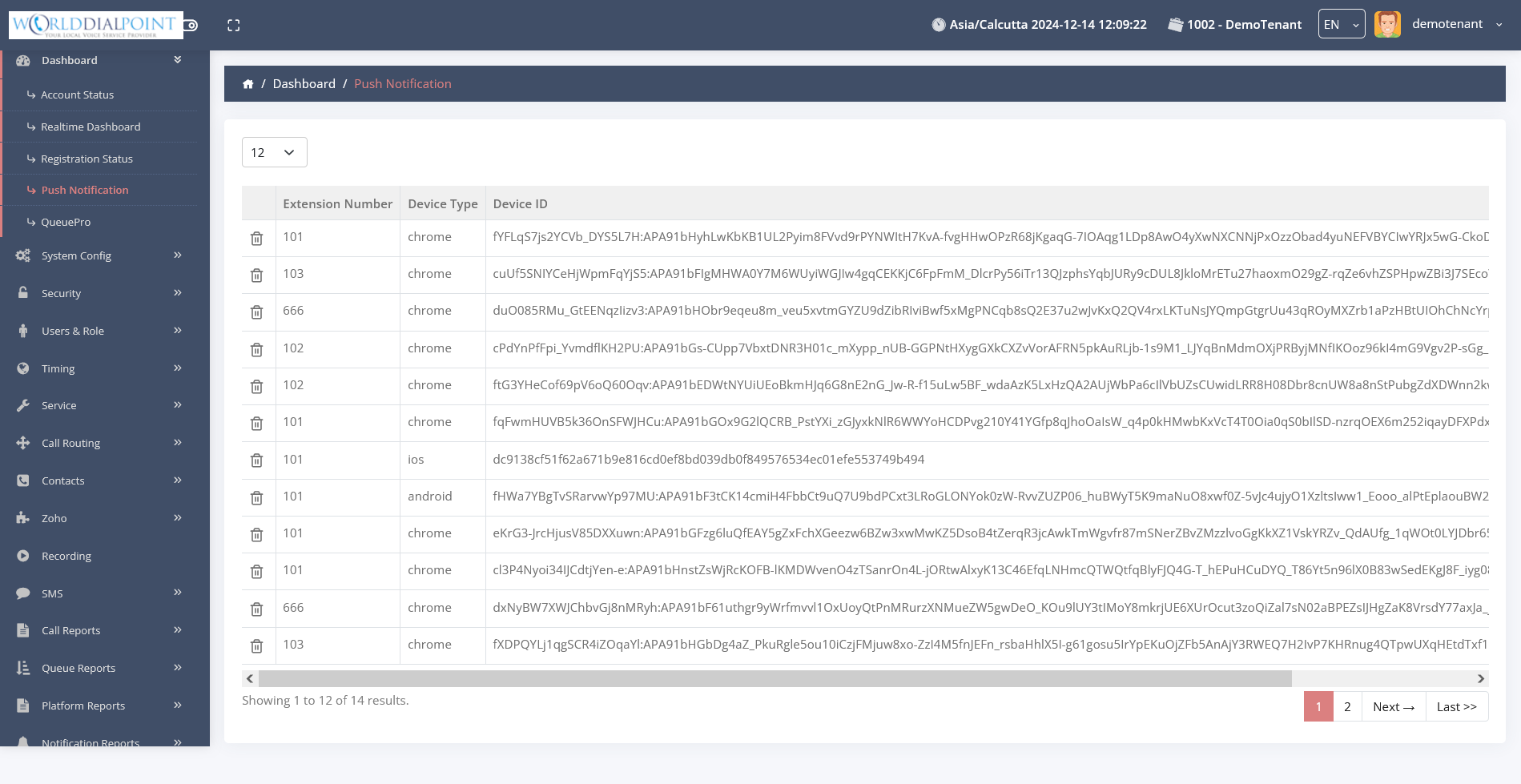
Push Server
Mobile push notification management.
|
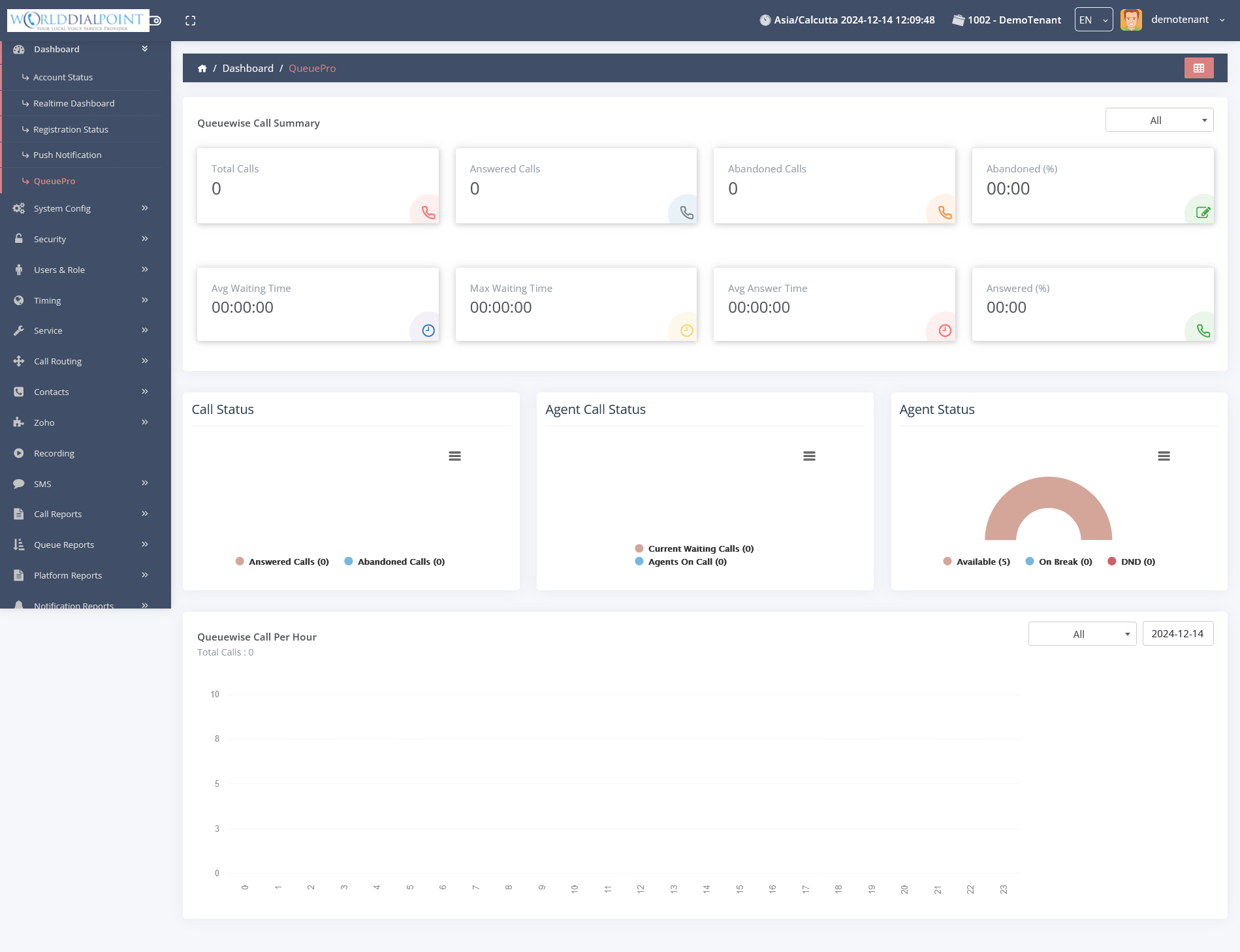
Queue Pro
Advanced queue configuration.
|
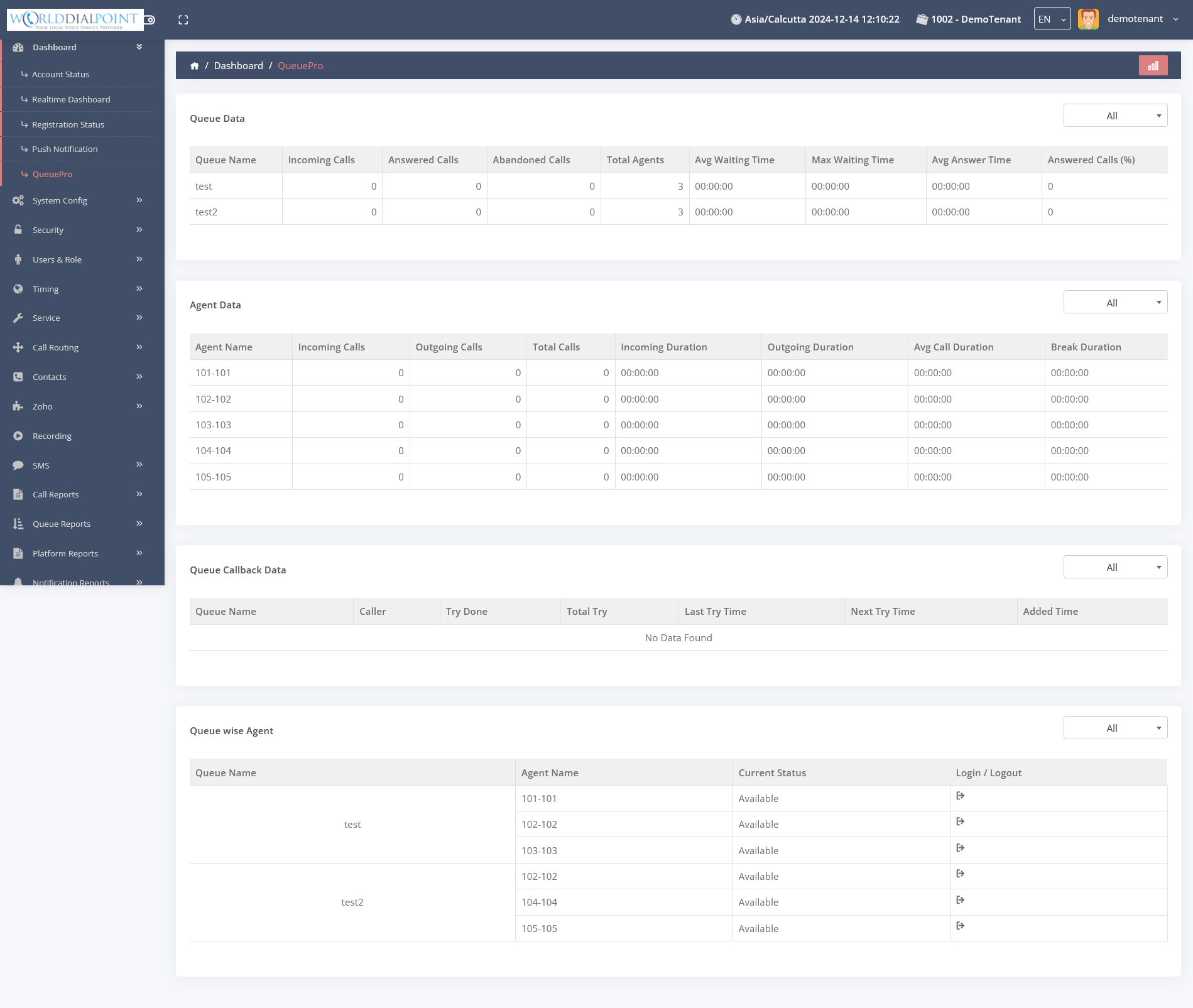
Queue Pro 2
Detailed distribution tools.
|
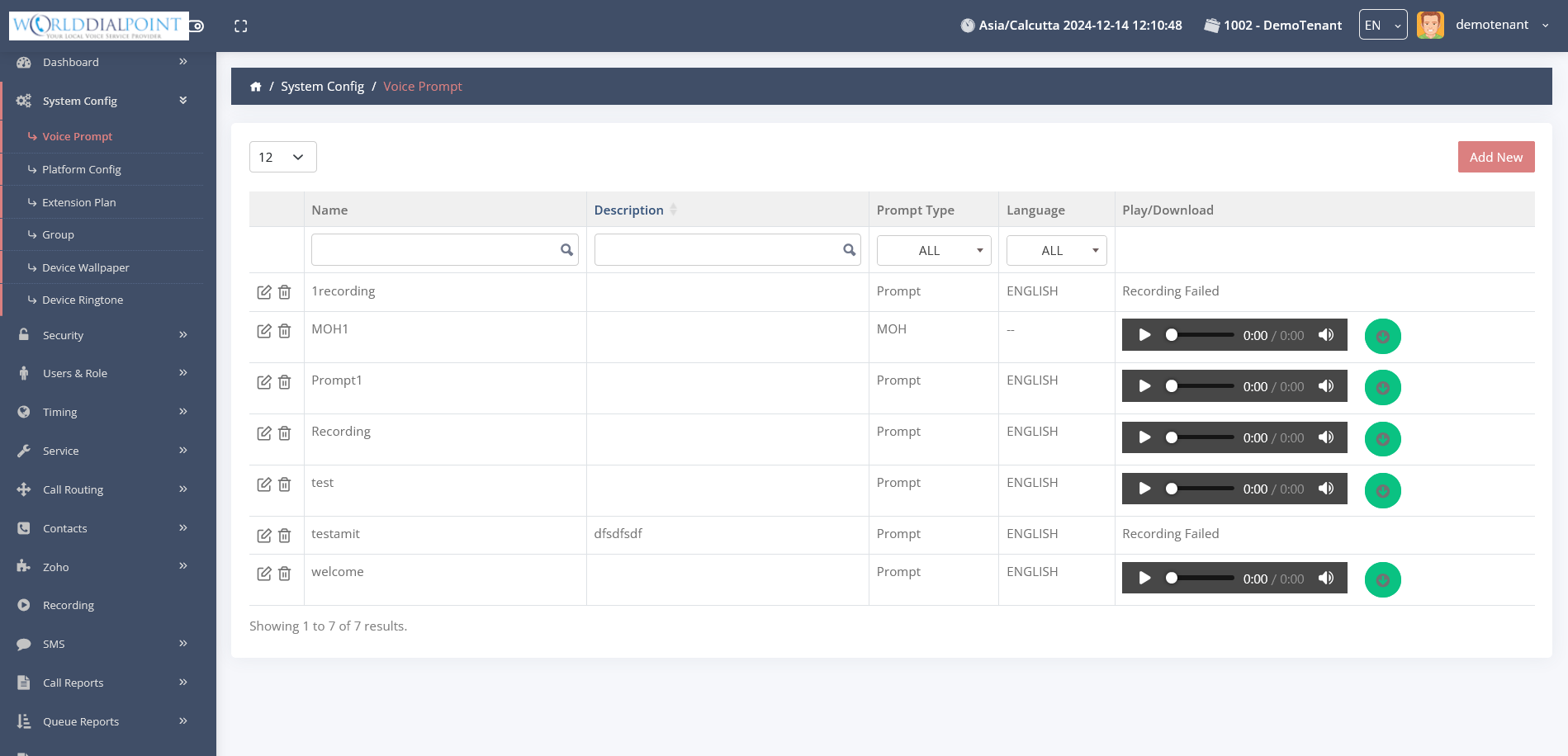
Voice Prompts
Manage audio prompts and IVR recordings.
|
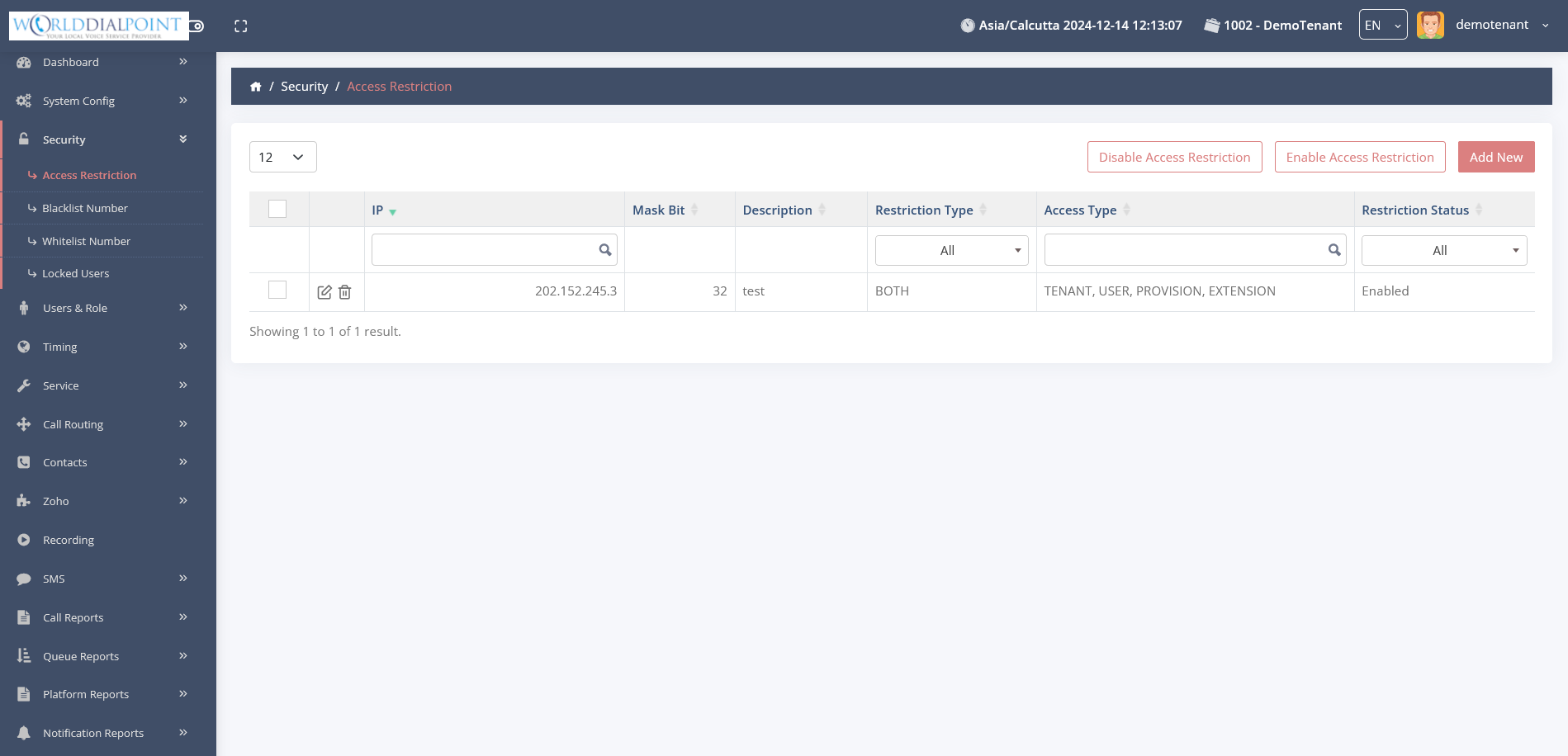
Access Restrictions
Control allowed call destinations.
|
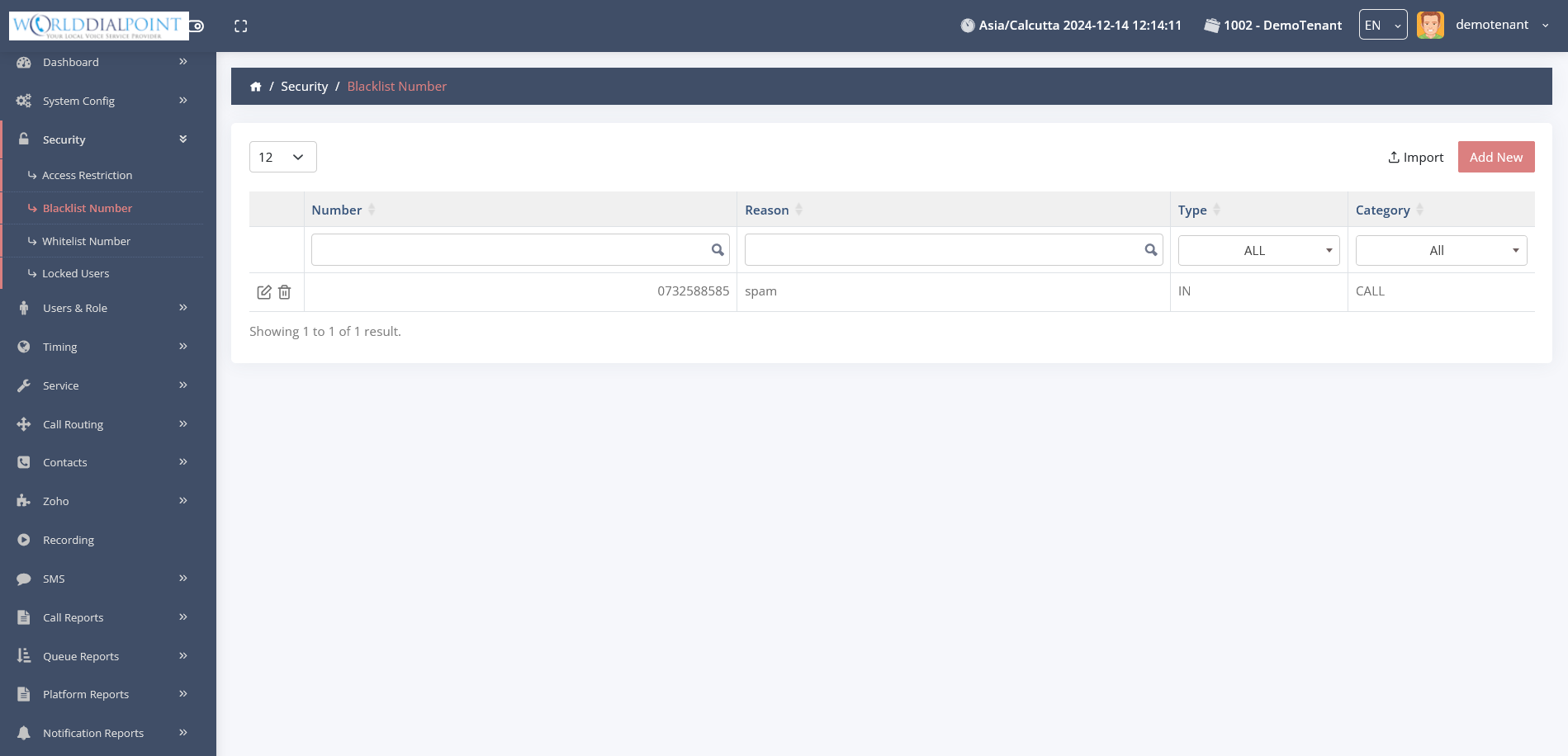
Black List
Automatically reject unwanted callers.
|
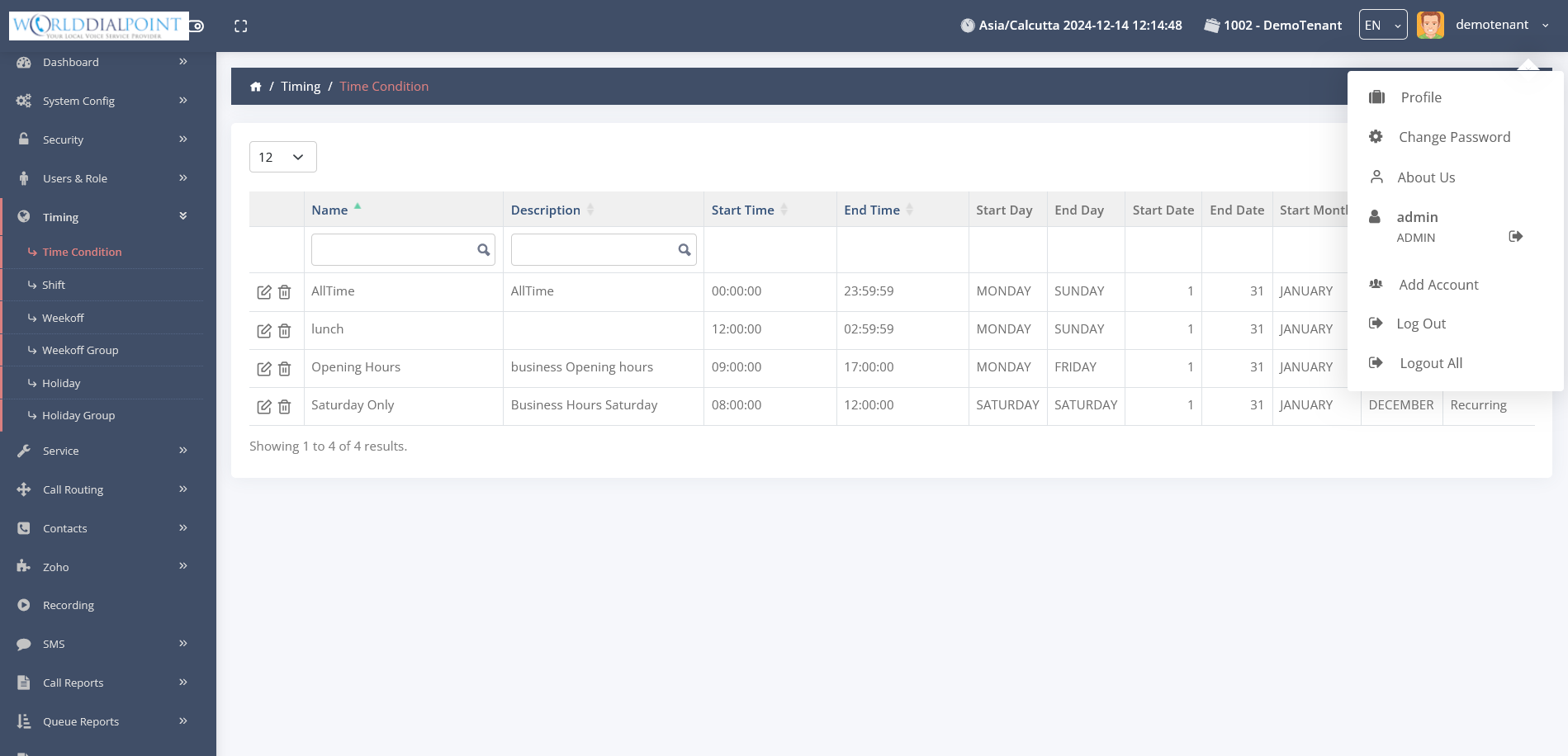
Time Conditions
Route calls based on business hours.
|
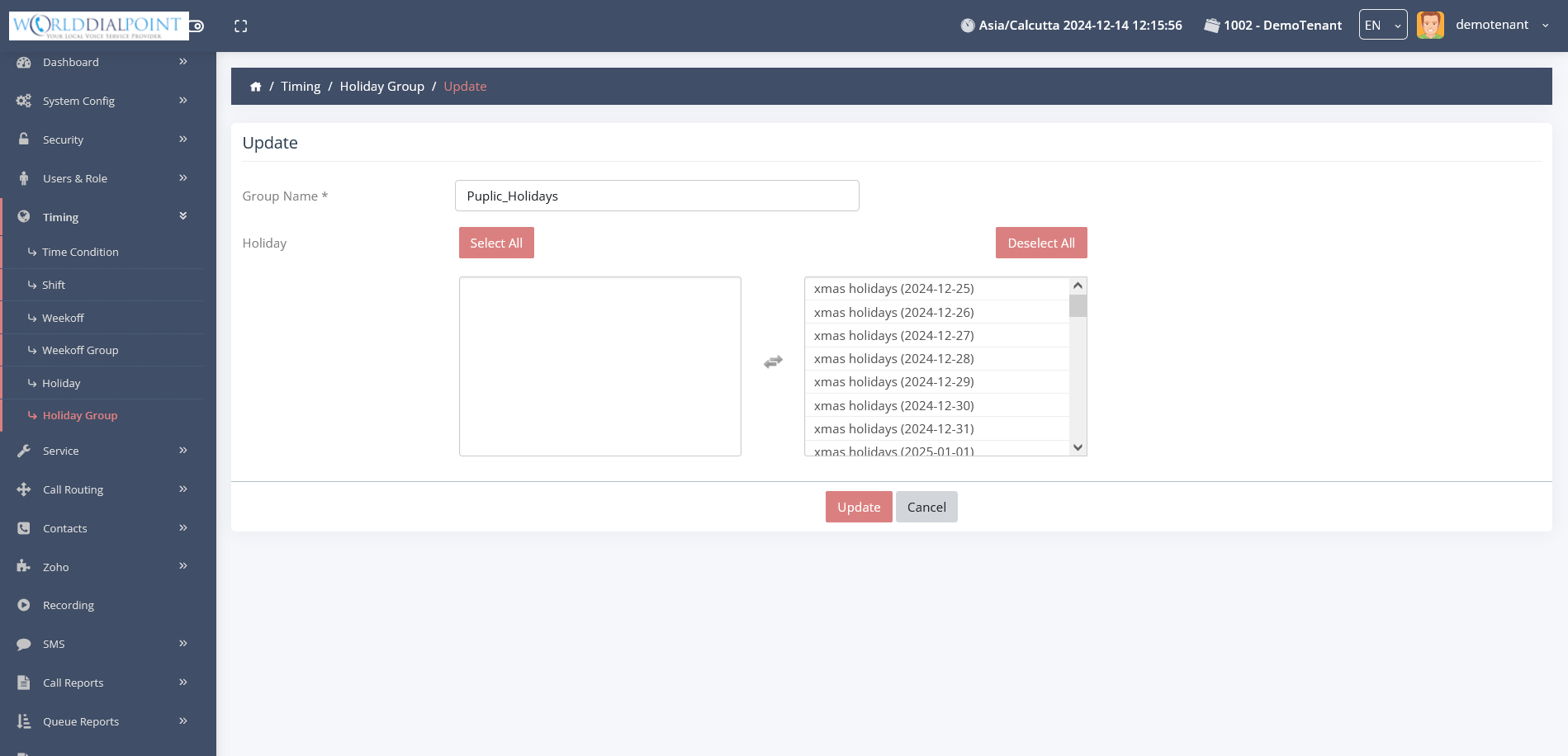
Holidays
Define dates for holiday routing.
|
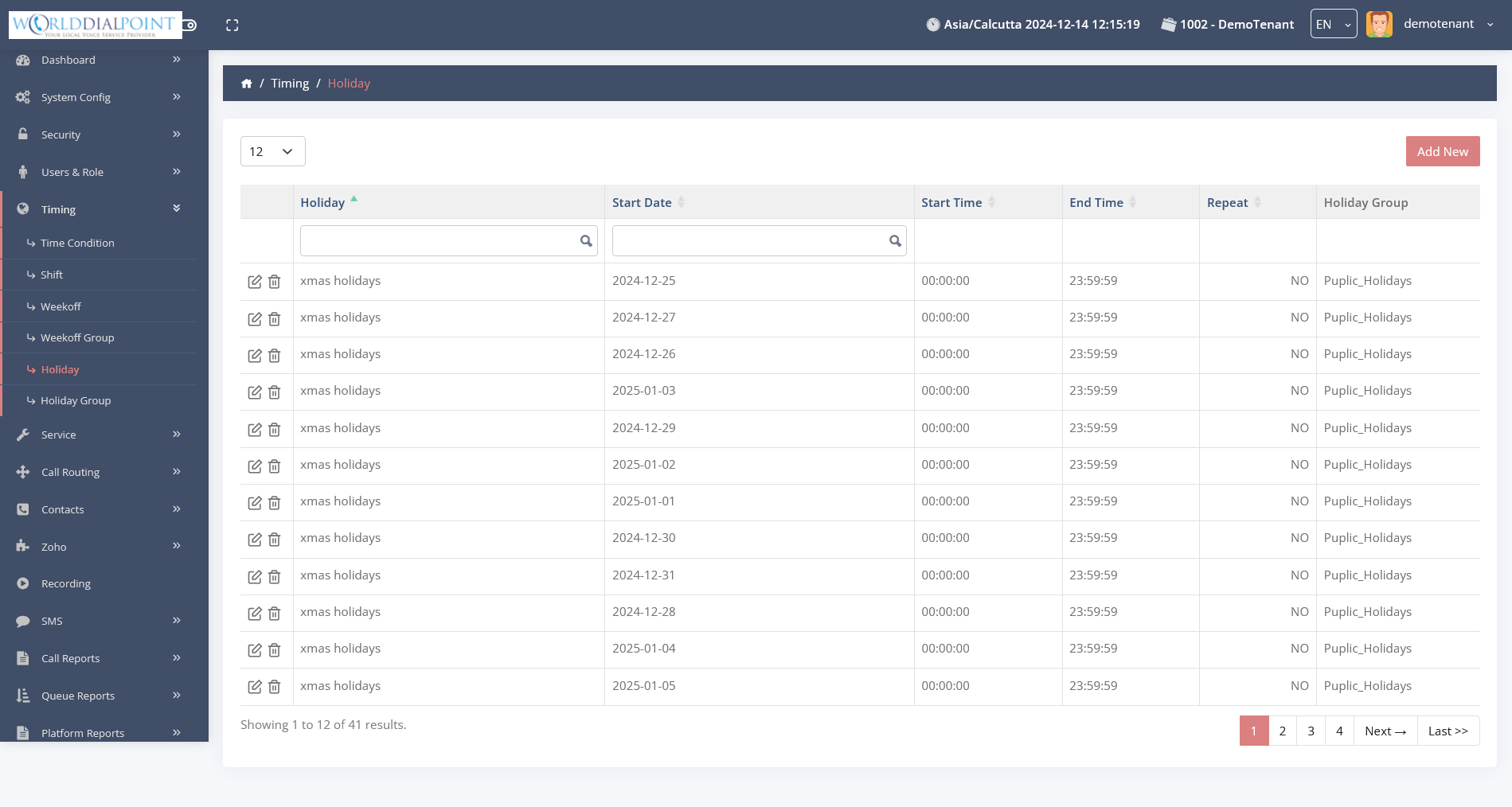
Holidays 2
Detailed holiday entry management.
|
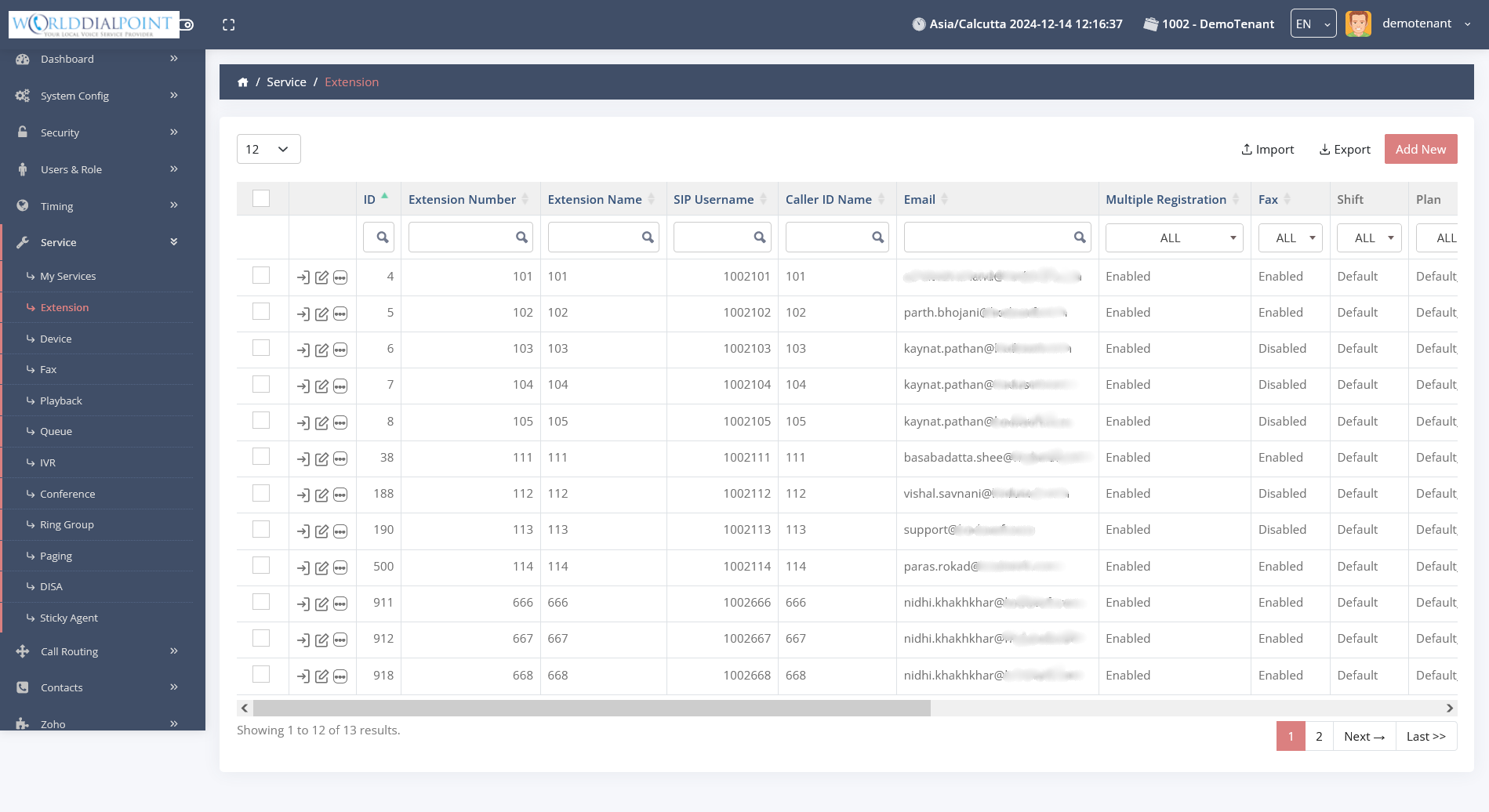
Extensions
Manage user devices and passwords.
|
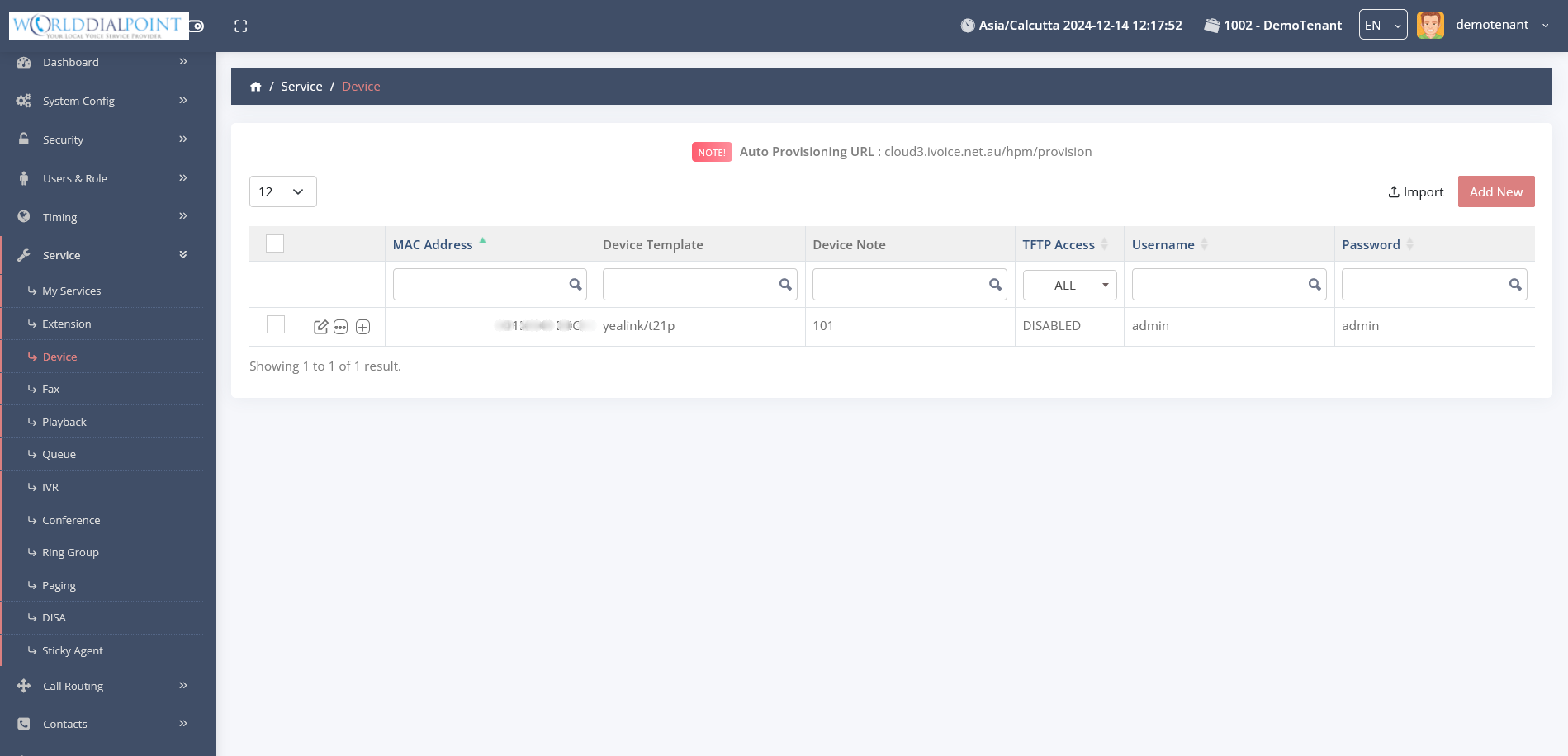
Provisioning
Automated desk phone configuration.
|
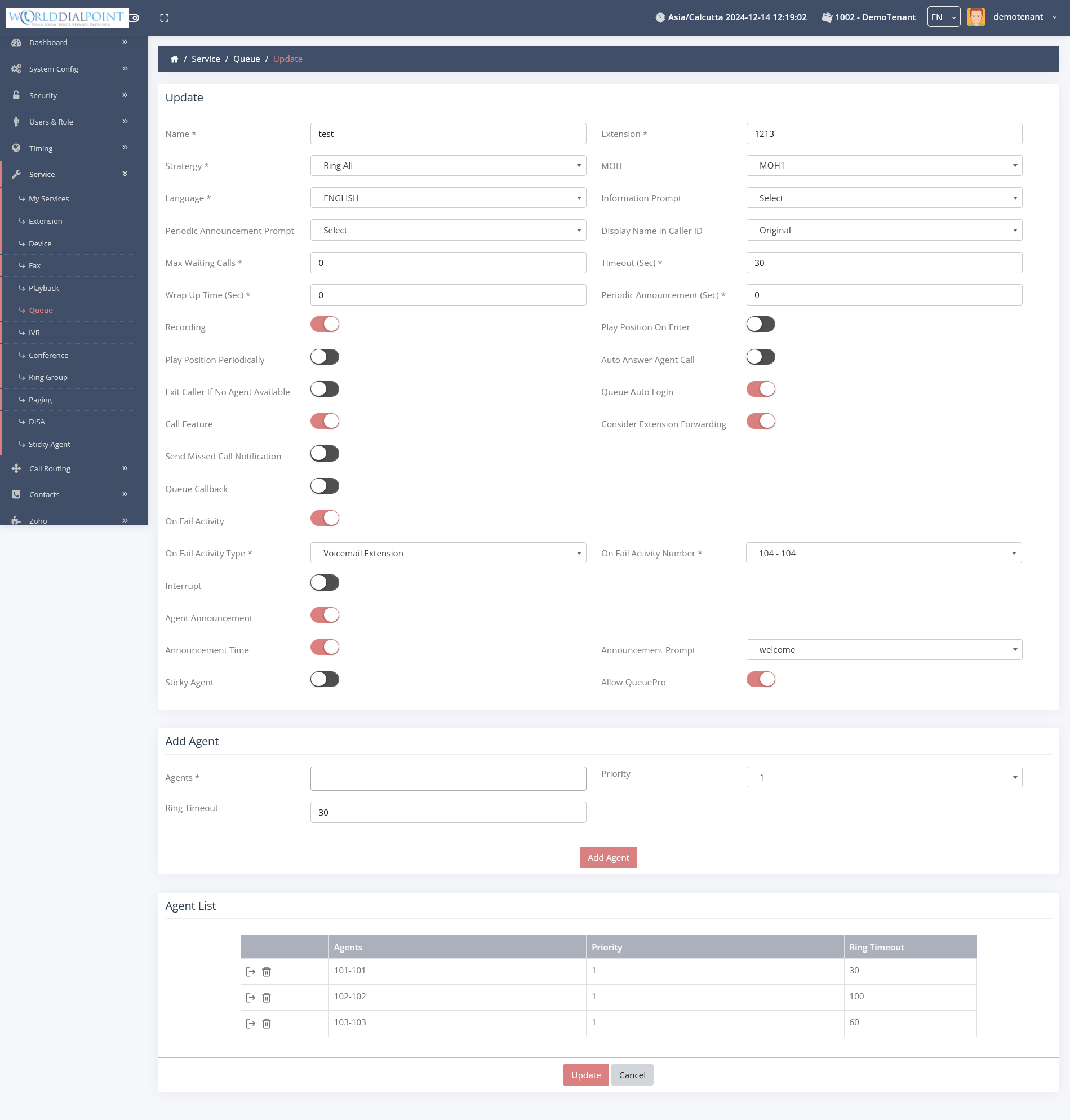
Queues
Manage call distribution groups.
|
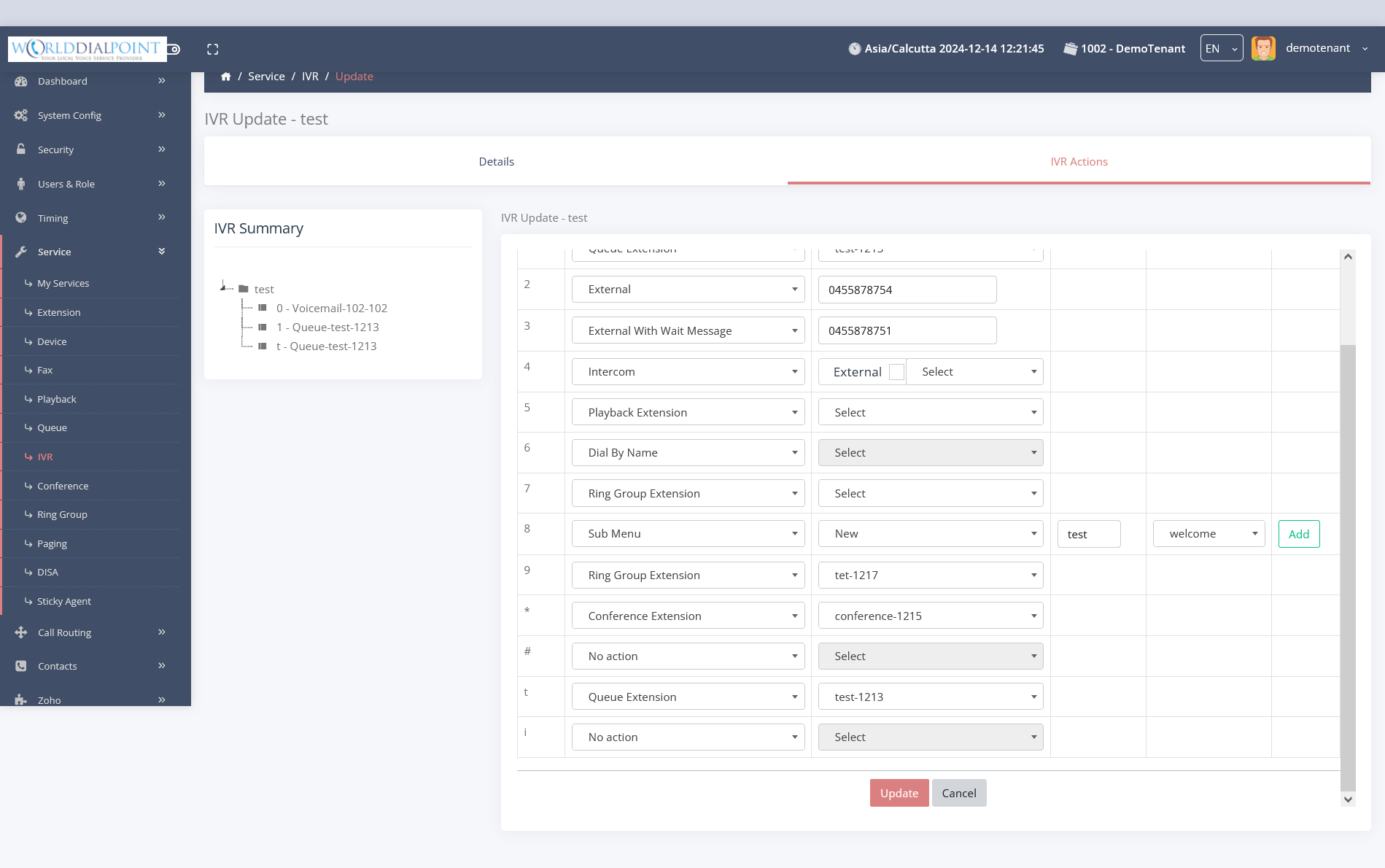
IVRs
Automated menu navigation.
|
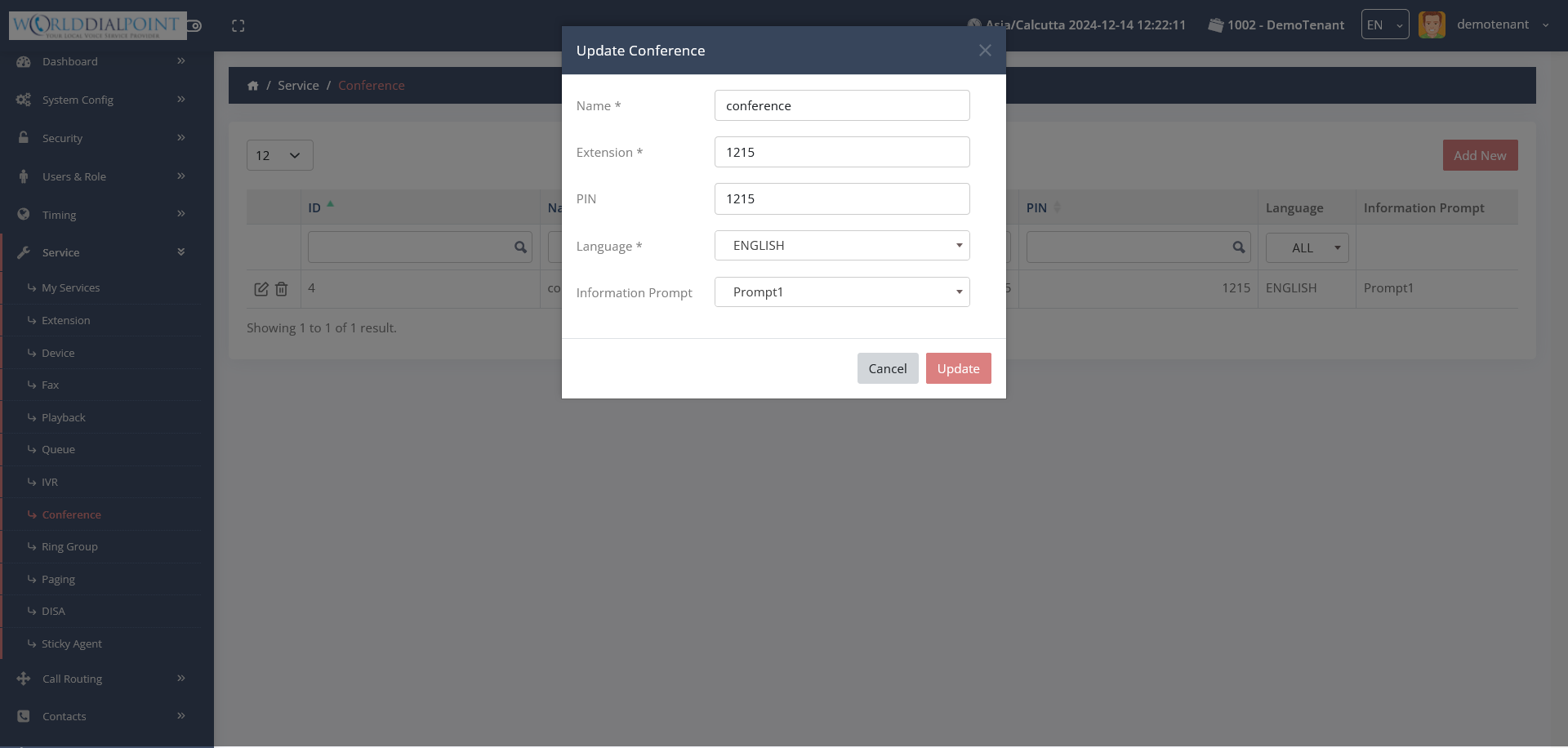
Conference
Manage virtual meeting rooms.
|
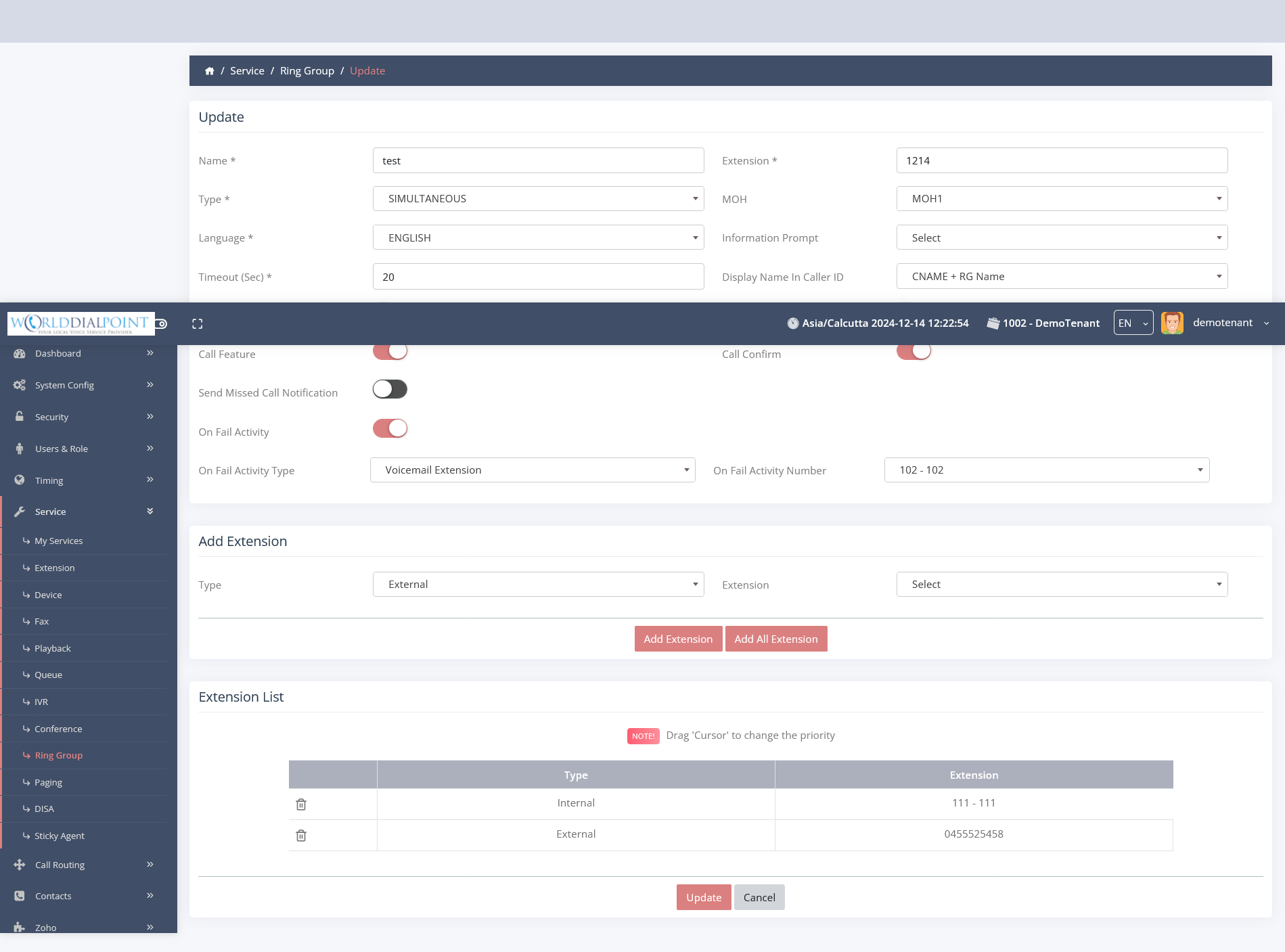
Ring Groups
Ring multiple extensions at once.
|
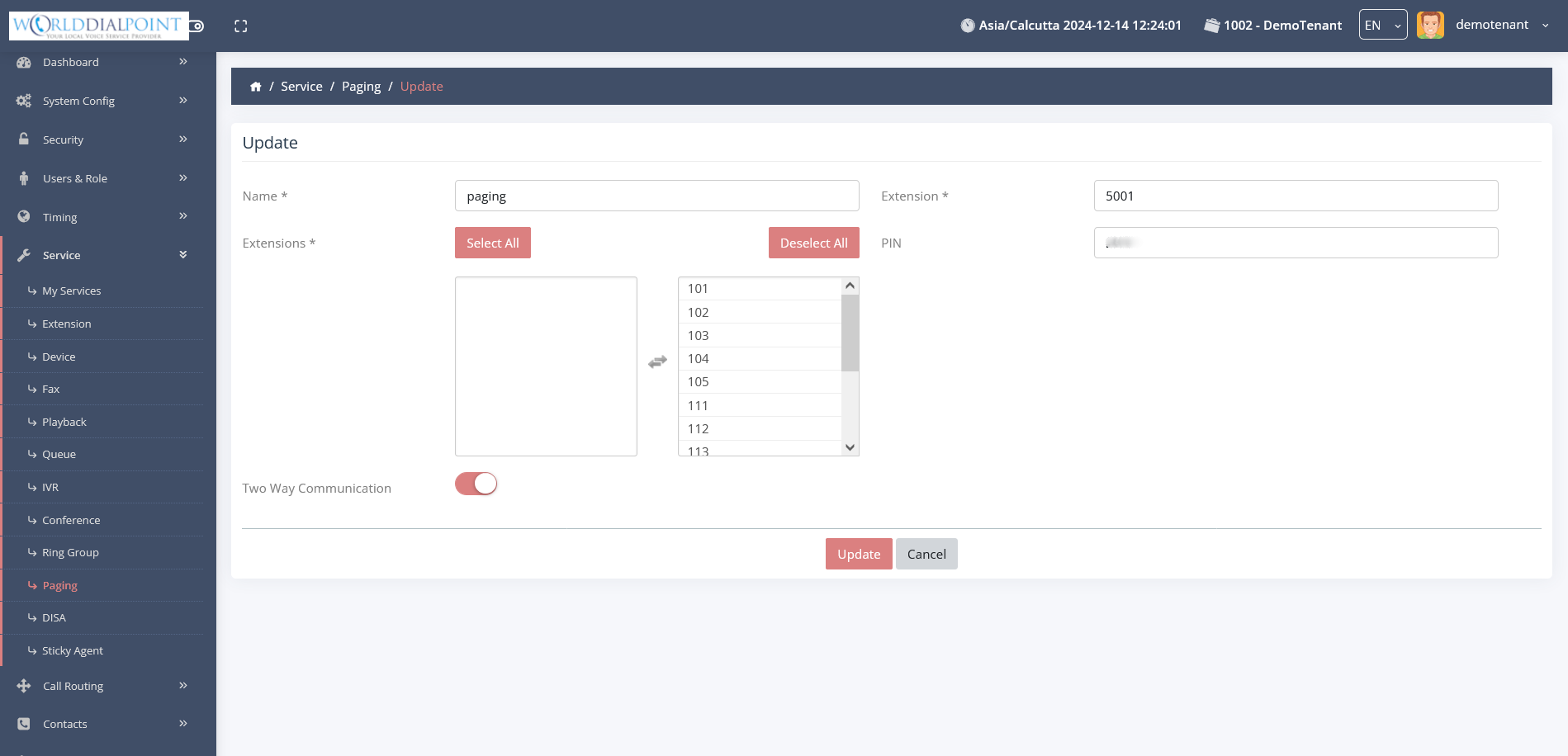
Paging
Broadcast announcements to groups.
|
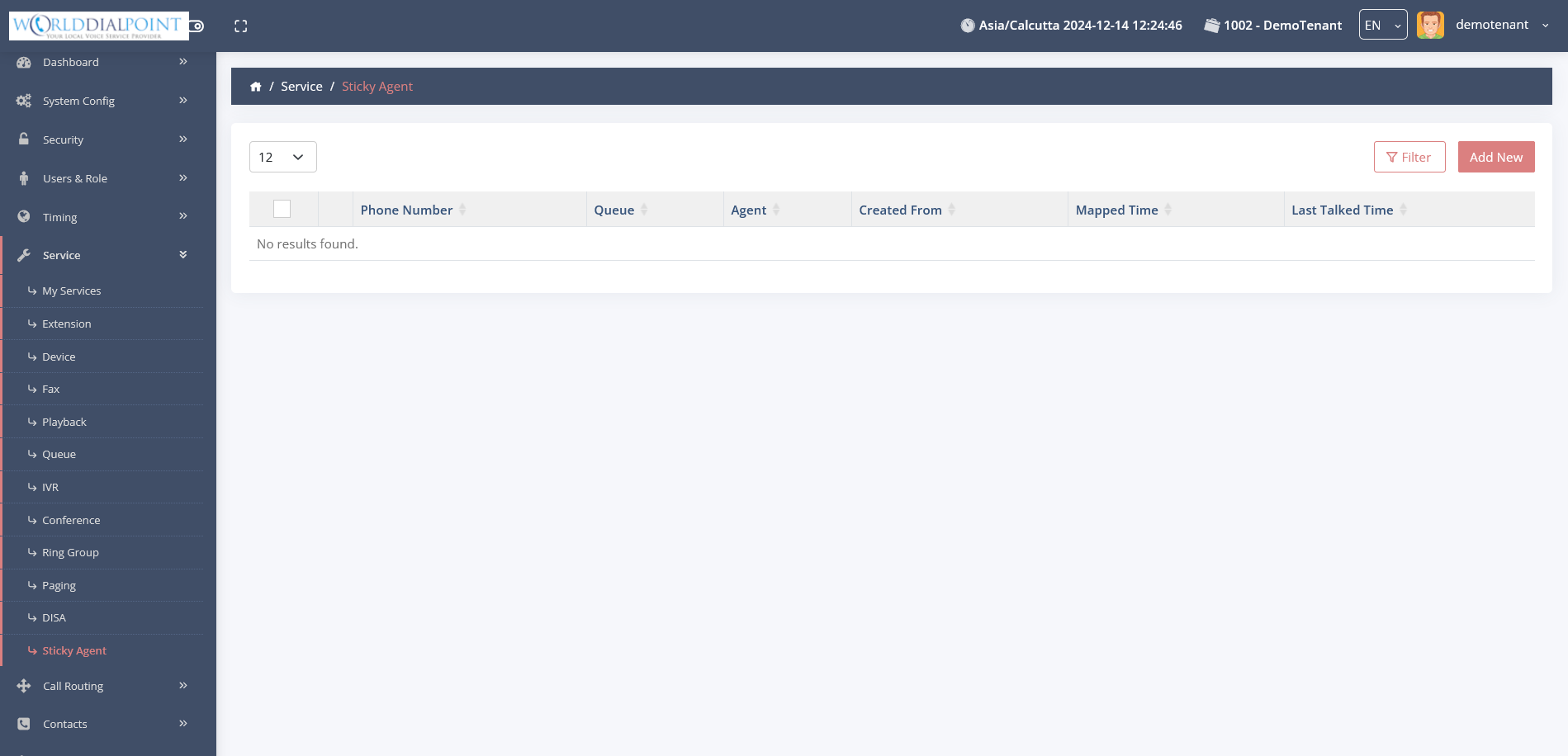
Sticky Agent
Route callers to their previous agent.
|
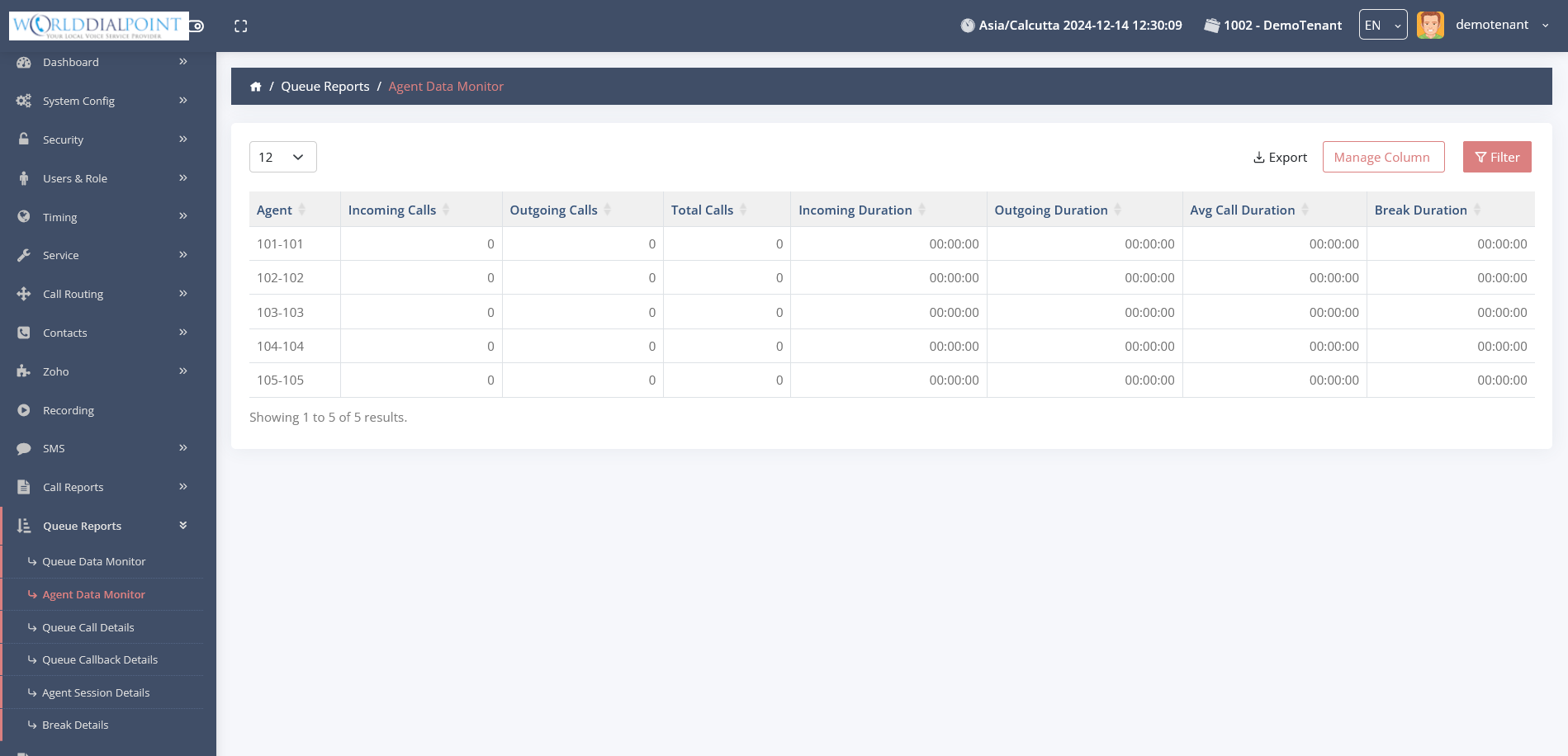
Agents Report
Performance stats for agents.
|
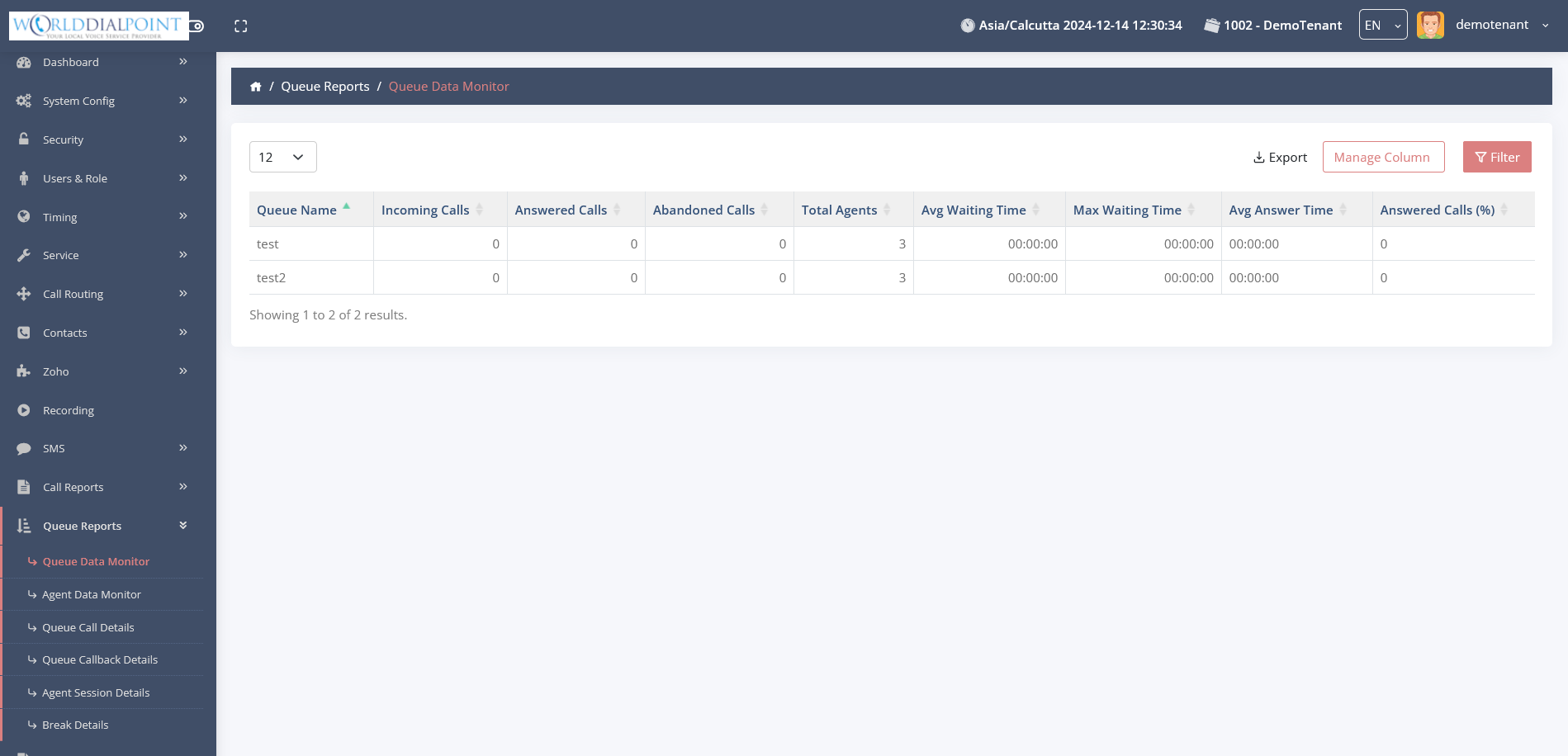
Queue Data
Detailed metrics to monitor performance.
|
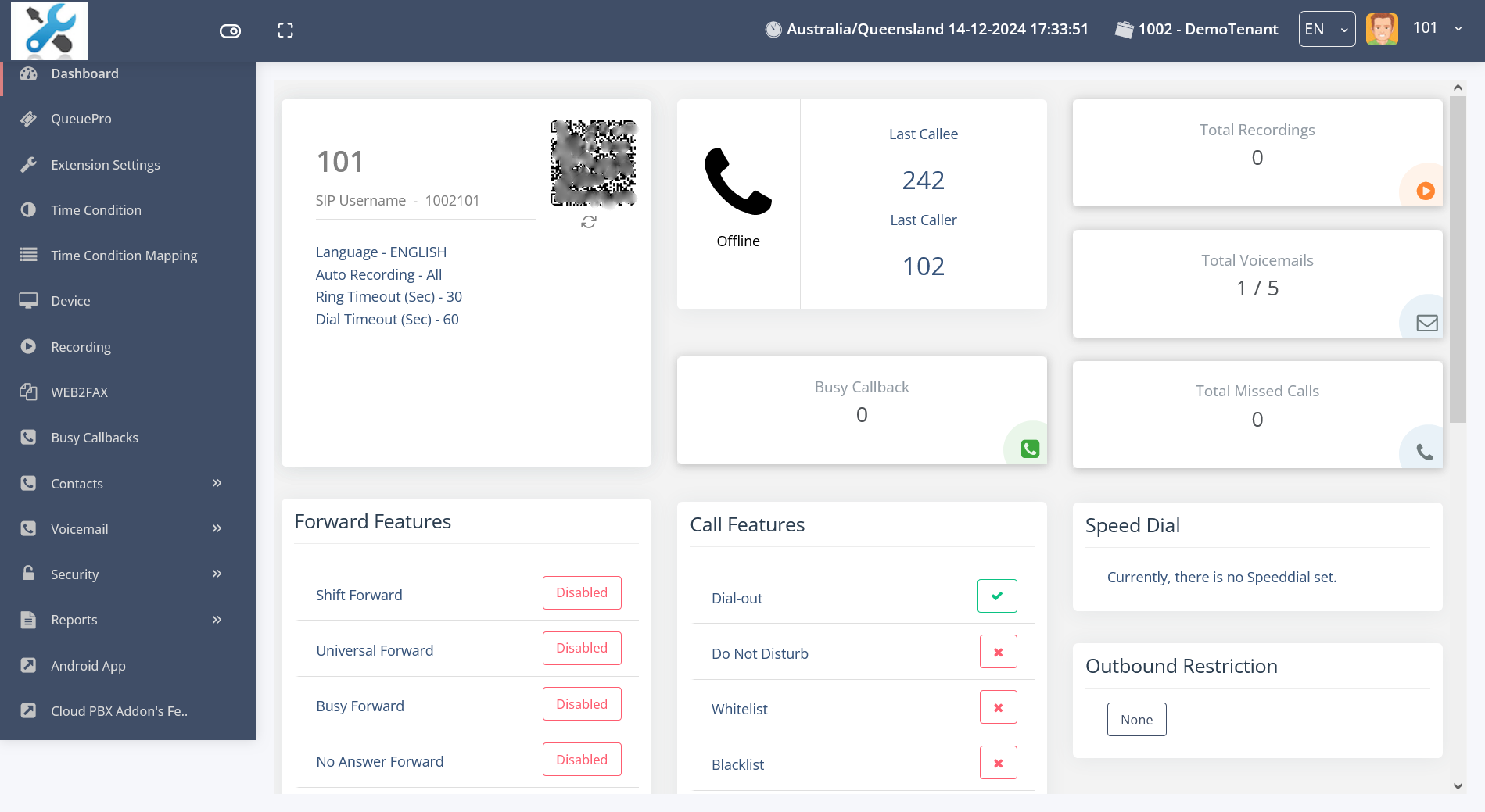
Extensions (2)
Additional extension configuration options.
|
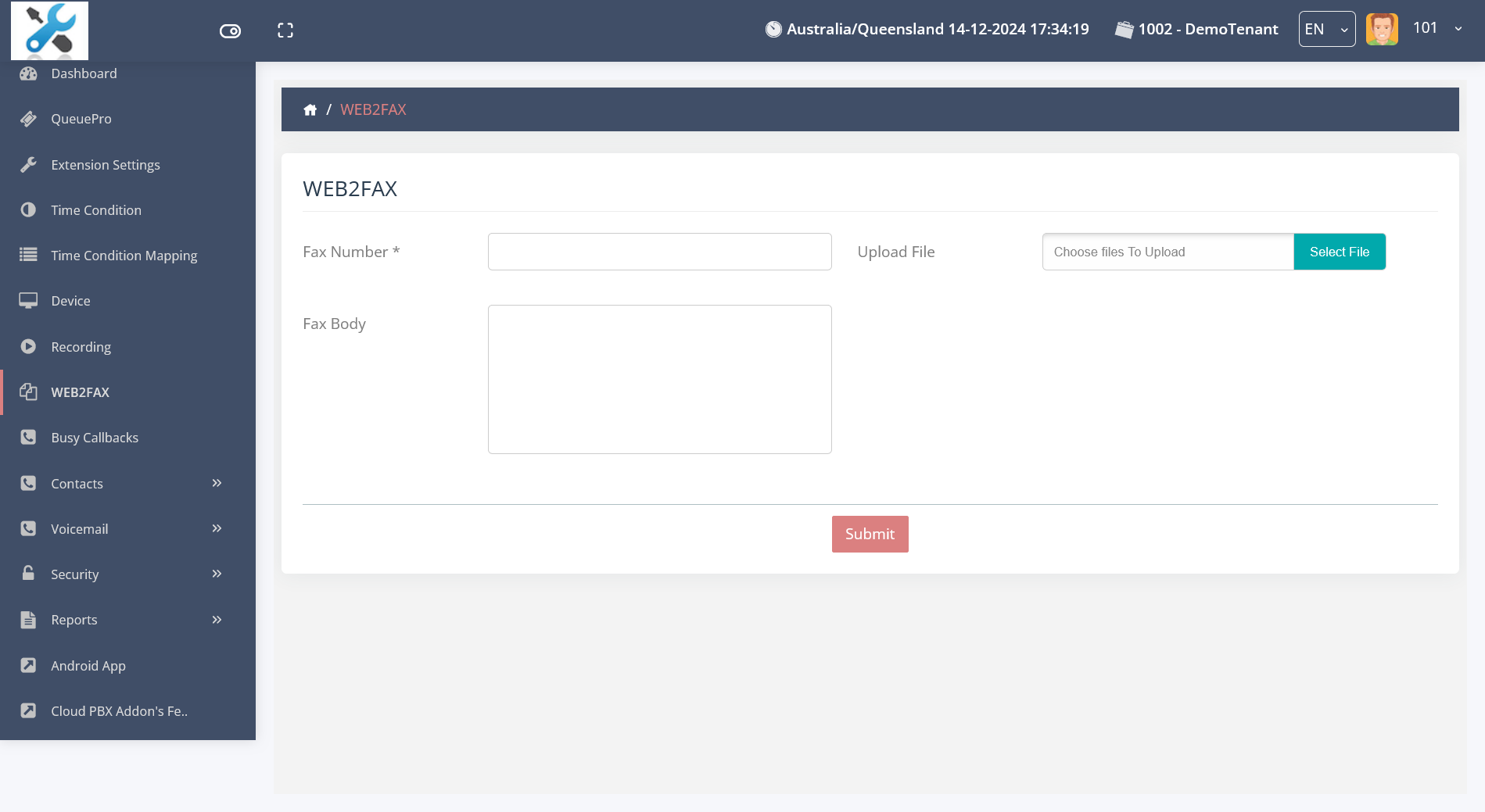
Web2Fax
Send faxes directly from the web.
|
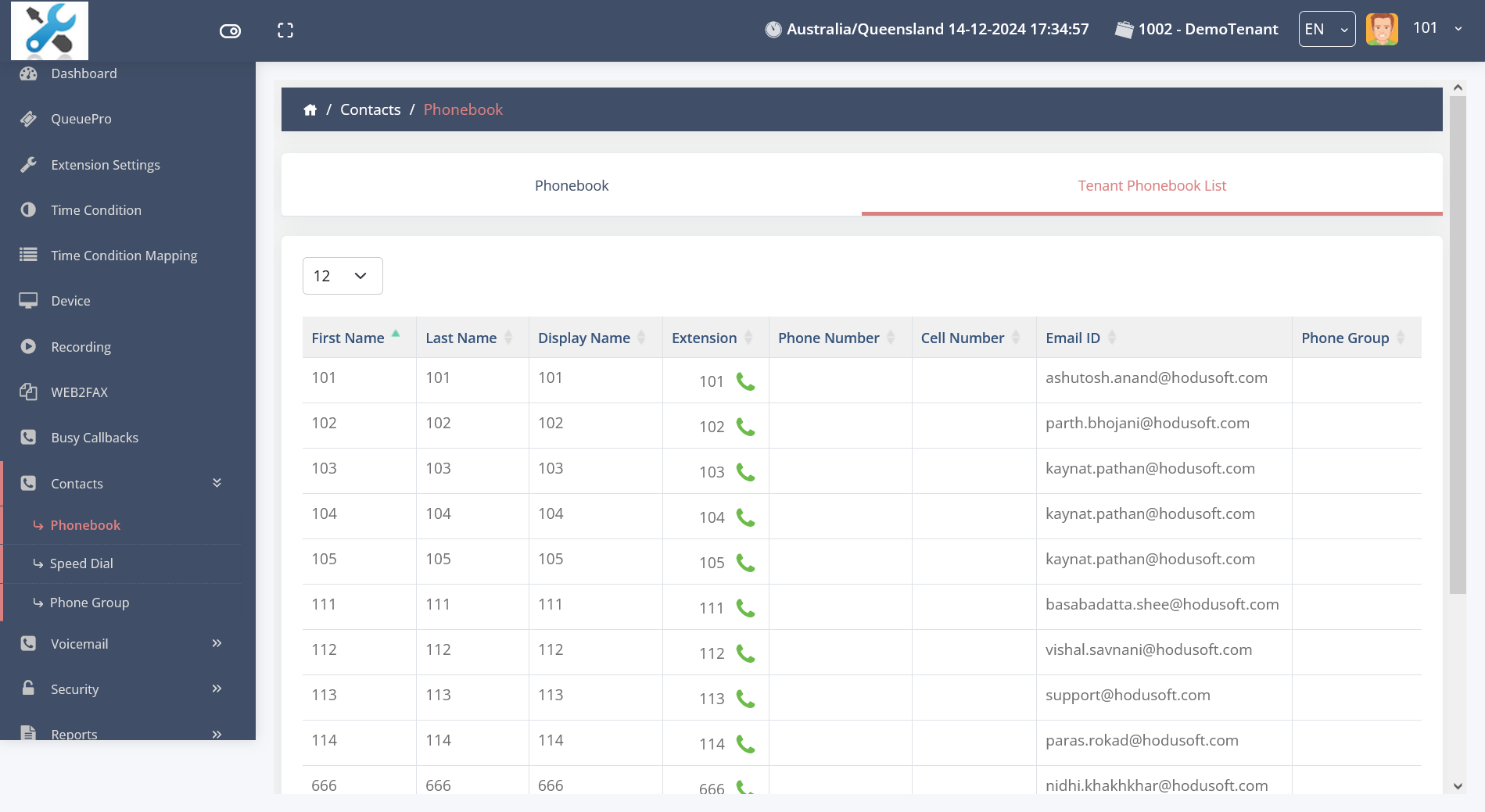
Contacts
Shared address book for extensions.
|
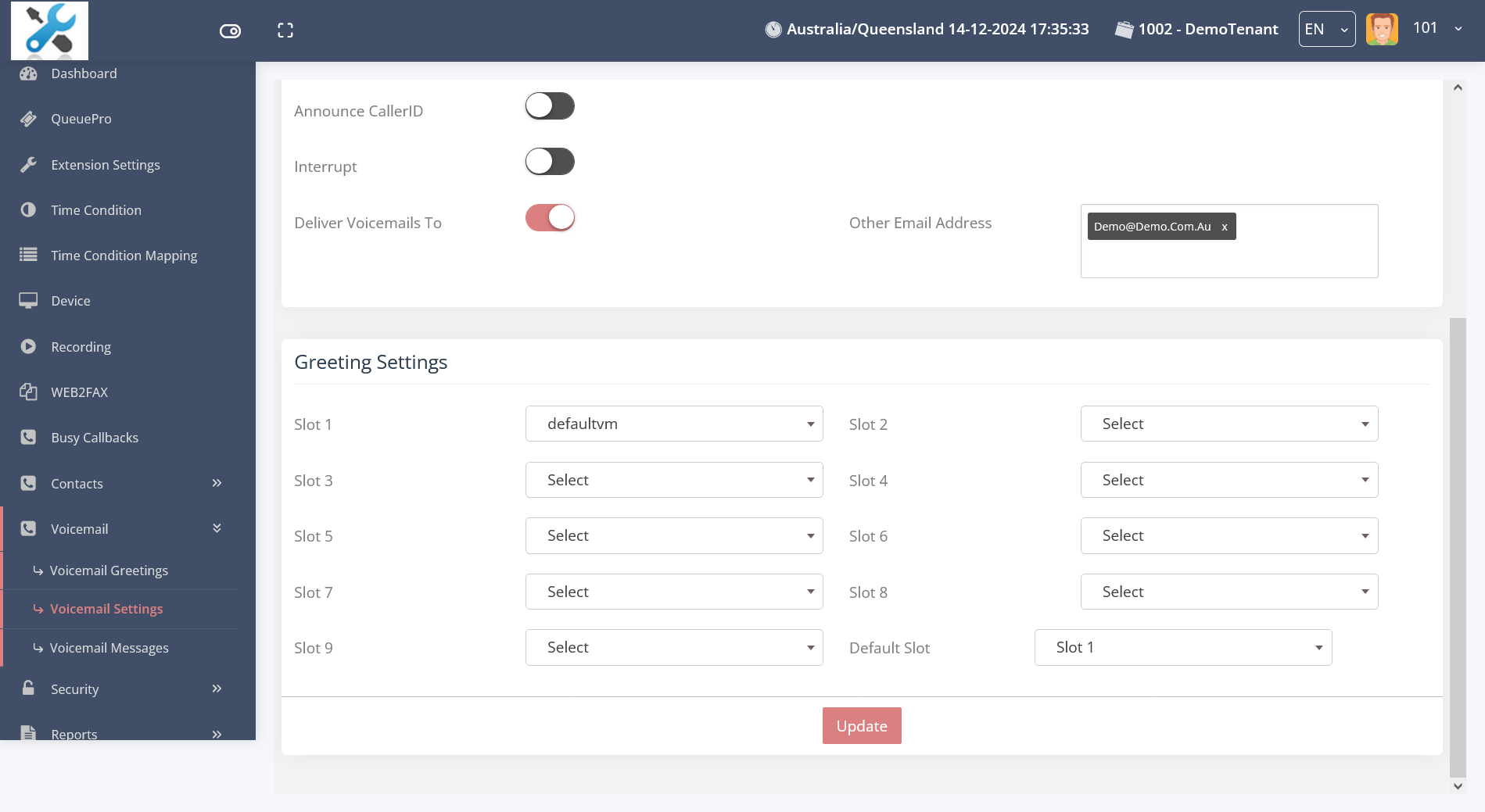
Voicemail Settings
Greetings and notification handling.
|
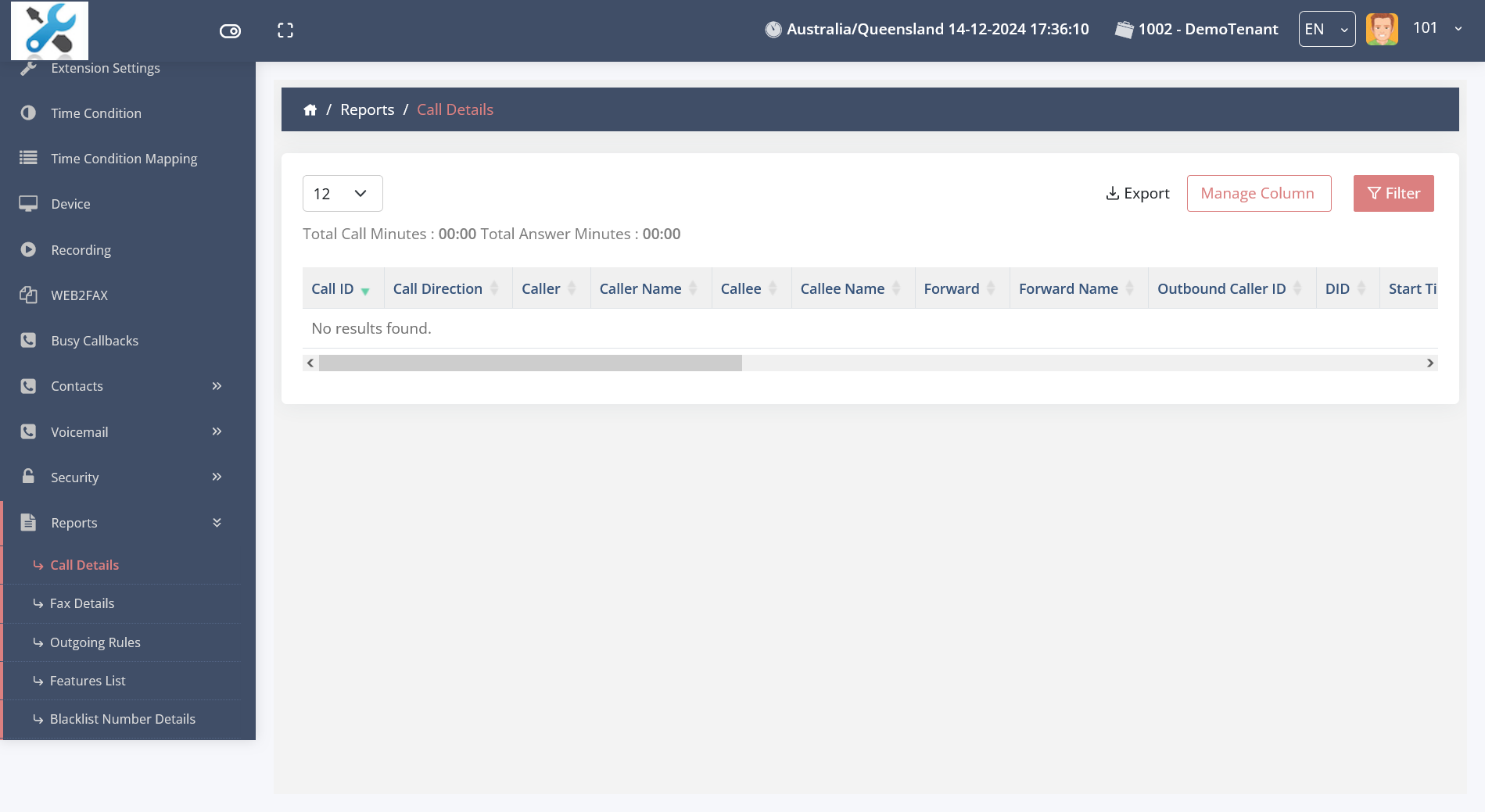
Call Reports
Detailed logs of duration and routing.
|
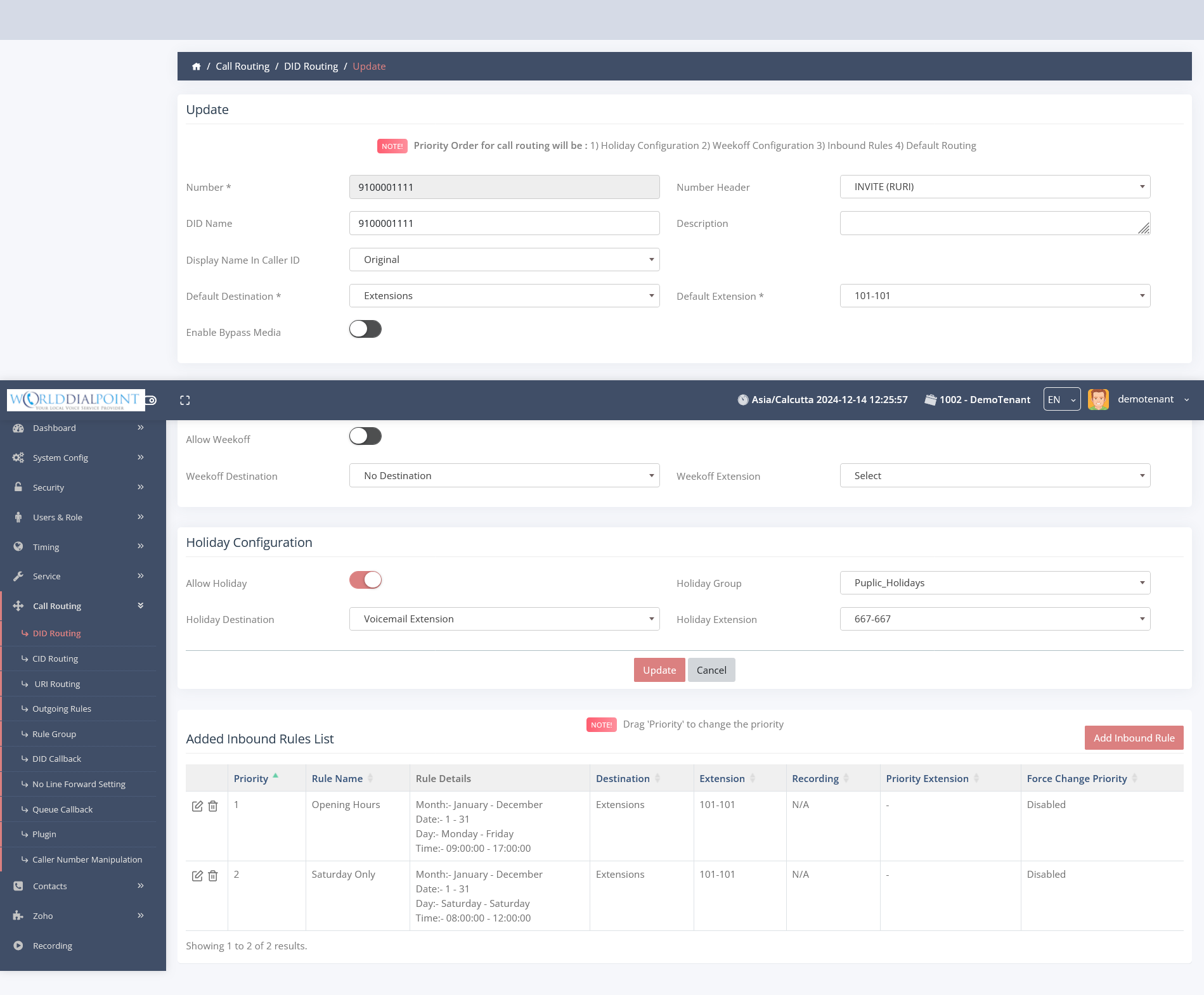
DID Routing
Manage inbound number behavior.
|
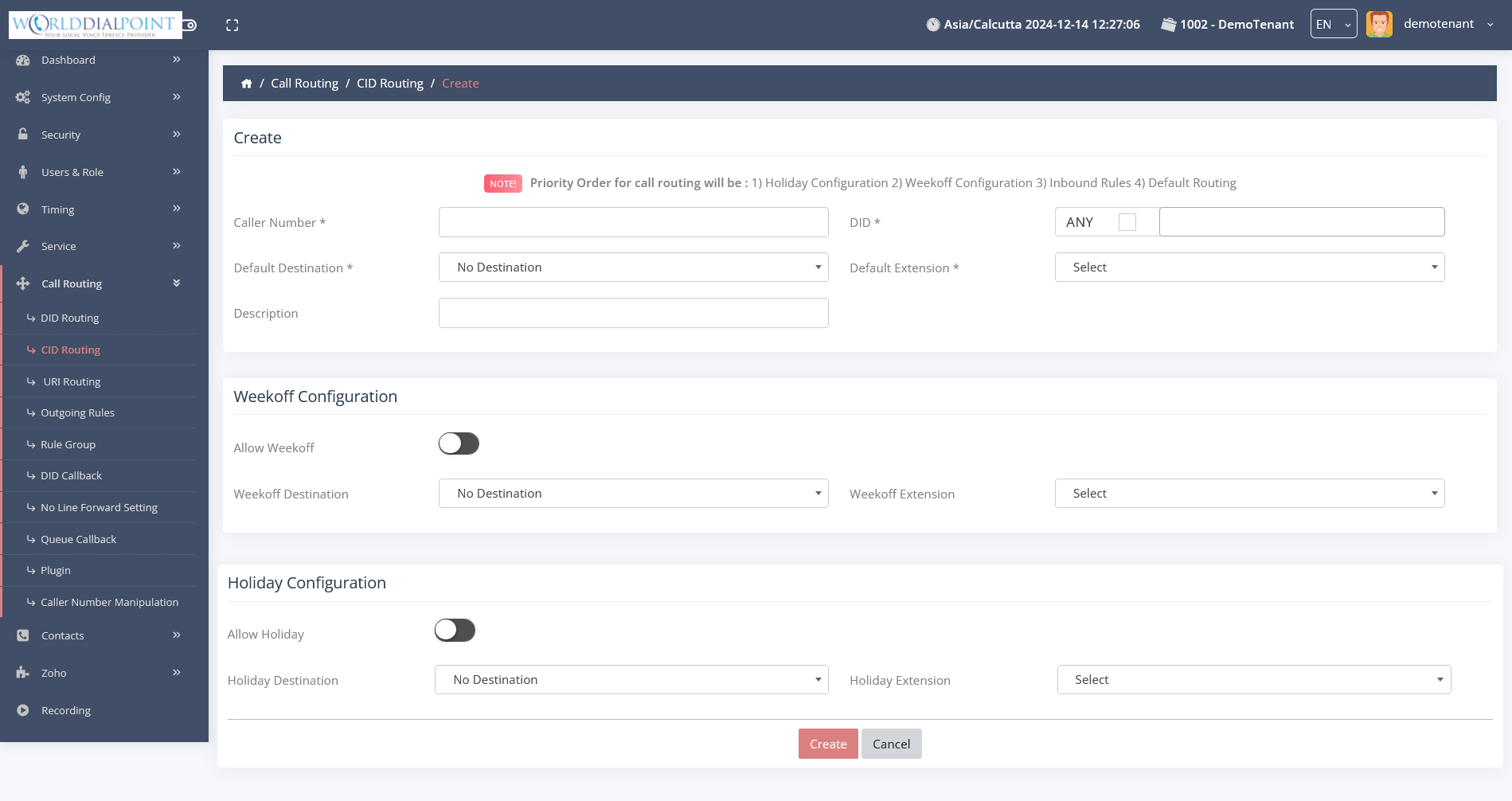
CID Routing
Route calls based on caller ID.
|
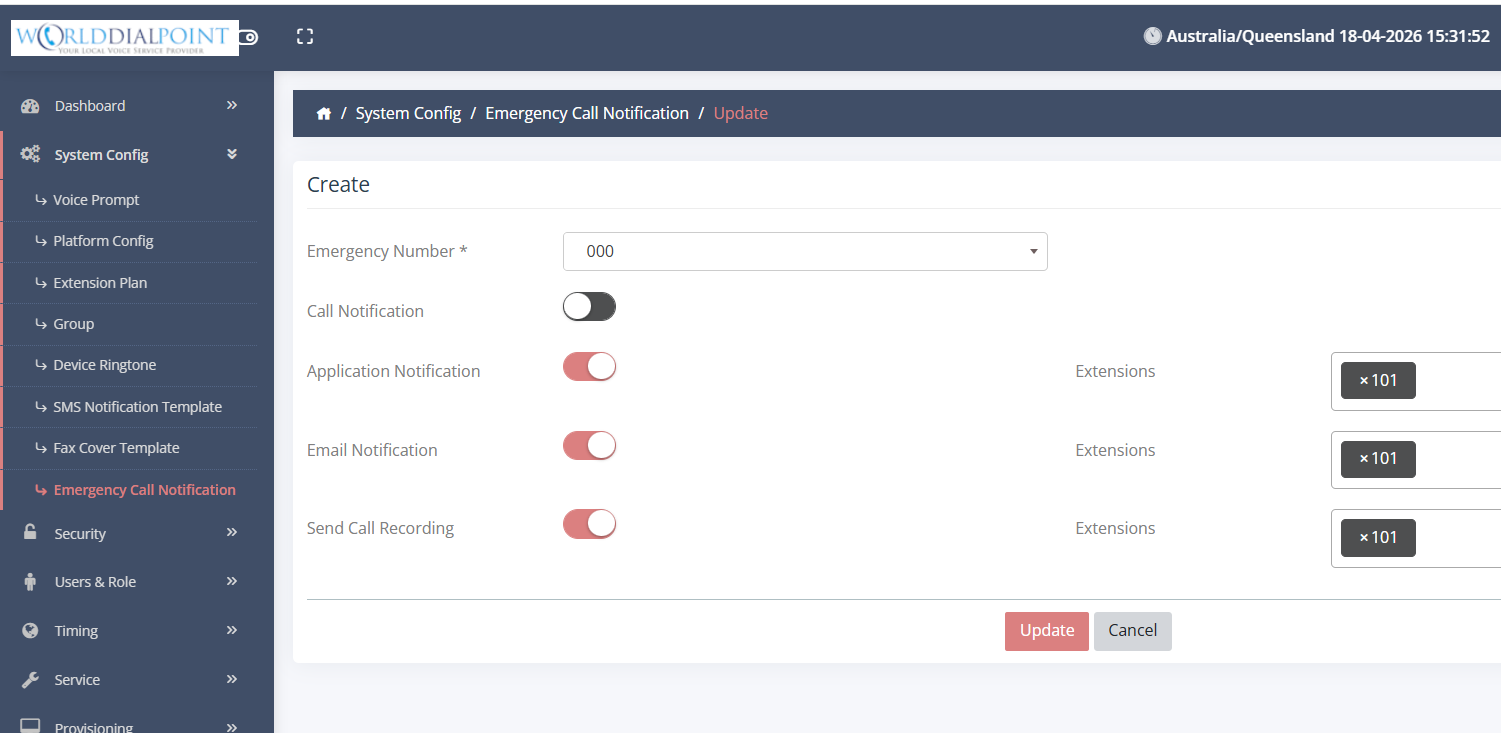
Emergency Call Notification
Manage the behavior of the Emergency Call Notification.
|
|